Classification Systems
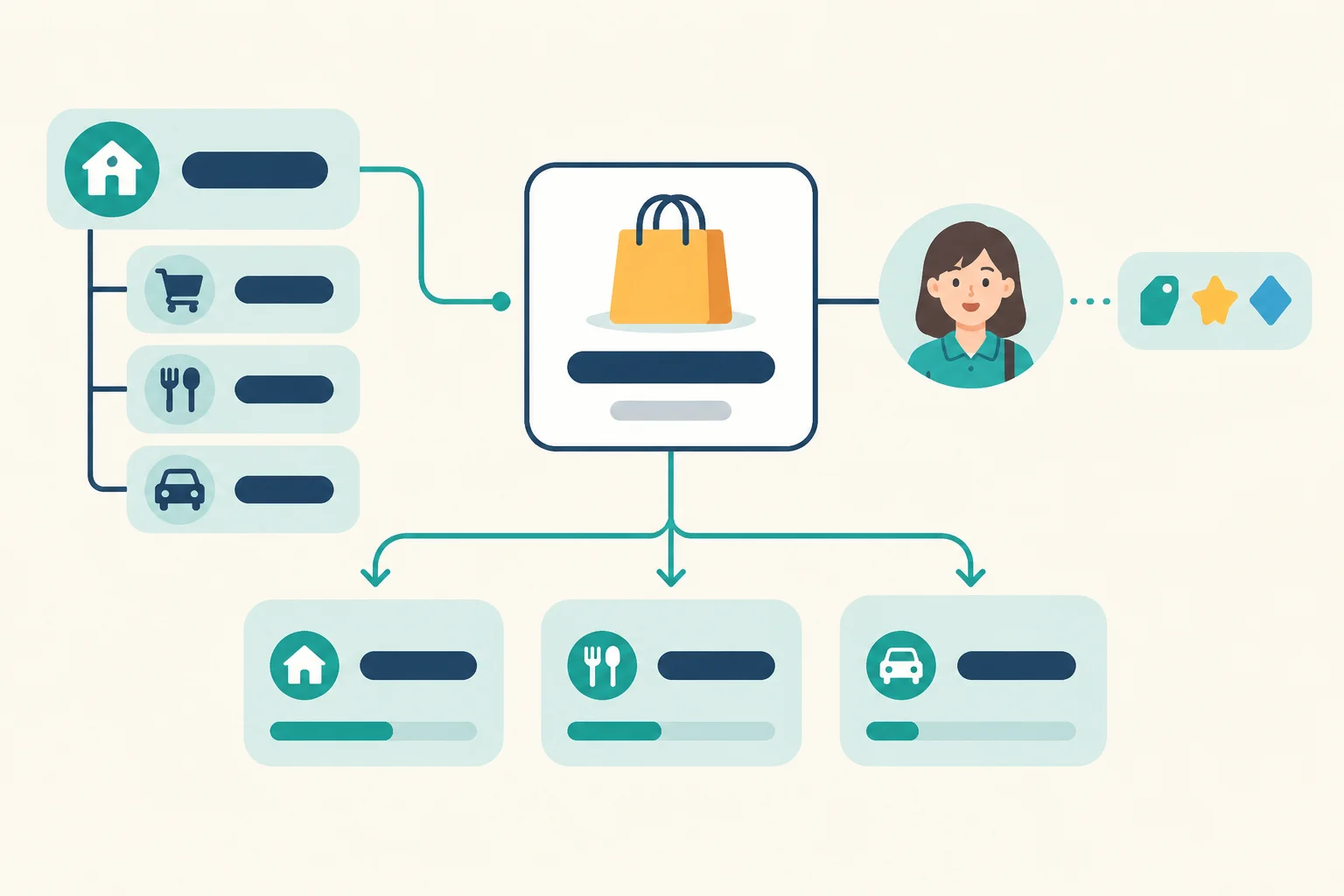
Learn how categories, payee identity, tags and split allocations describe different parts of a transaction, then apply those distinctions while exploring records.
Read the conceptExplore six fictional transactions by category, payee and tag. Filter the records, inspect all eight fields, and see how split allocations and possible duplicates affect classification.

Classification Explorer uses six embedded fictional records to make transaction details easier to compare. Filter by category, payee or tag, then select a result to inspect its eight fields: date, payee, amount, category, account, memo, description and status.
The tool works locally with its built-in examples. It has no file input, network connection or editable personal-data fields, so the records stay instructional rather than representing anyone’s finances.
Record R01 shows a market purchase on 2026-04-08 for −$85.00. Its Groceries category describes the spending purpose, Everyday Account identifies the account, and “Weekly shopping” and “Pantry purchase” provide additional context; the record is marked Cleared.
Read those fields together before drawing conclusions. A payee names the counterparty, a category groups the transaction for spending analysis, and memo or description text can explain what the purchase covered.
R02 represents one −$120.00 purchase at Sample Market, divided among three categories. Its allocations preserve the original total while showing how a mixed household basket can be classified more precisely.
The amounts sum to $120.00. Treating each allocation as a separate original transaction would overstate the number of purchases.
R05 and R06 share the City Books payee, date, amount of −$24.00, category and reference DEMO-BOOK. They are potential duplicates, but matching fields alone do not confirm that one should be removed; check the source statement and import history first.
R03 and R04 show why repeated details need context: each Corner Cafe transaction is −$6.50 on the same date, yet one is marked “Morning” and the other “Afternoon.” They represent separate visits. The result count, selected-record details and reset control make comparisons easier while keeping the example set consistent.
Learn how categories, payee identity, tags and split allocations describe different parts of a transaction, then apply those distinctions while exploring records.
Read the concept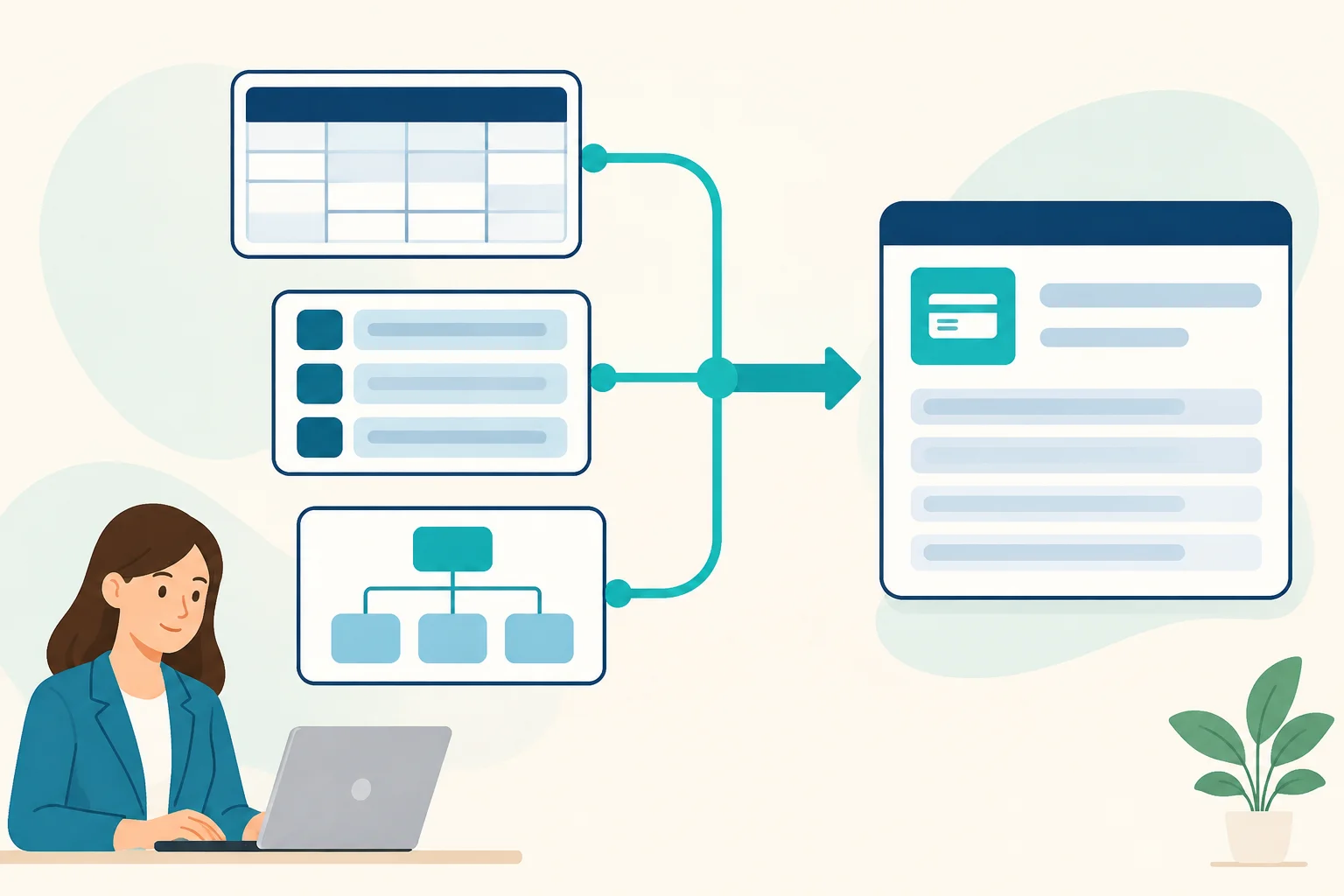
Compare CSV columns, QIF labeled records and structured OFX or QFX data. Understand how field mapping and review shape what appears in an imported transaction.
Read the concept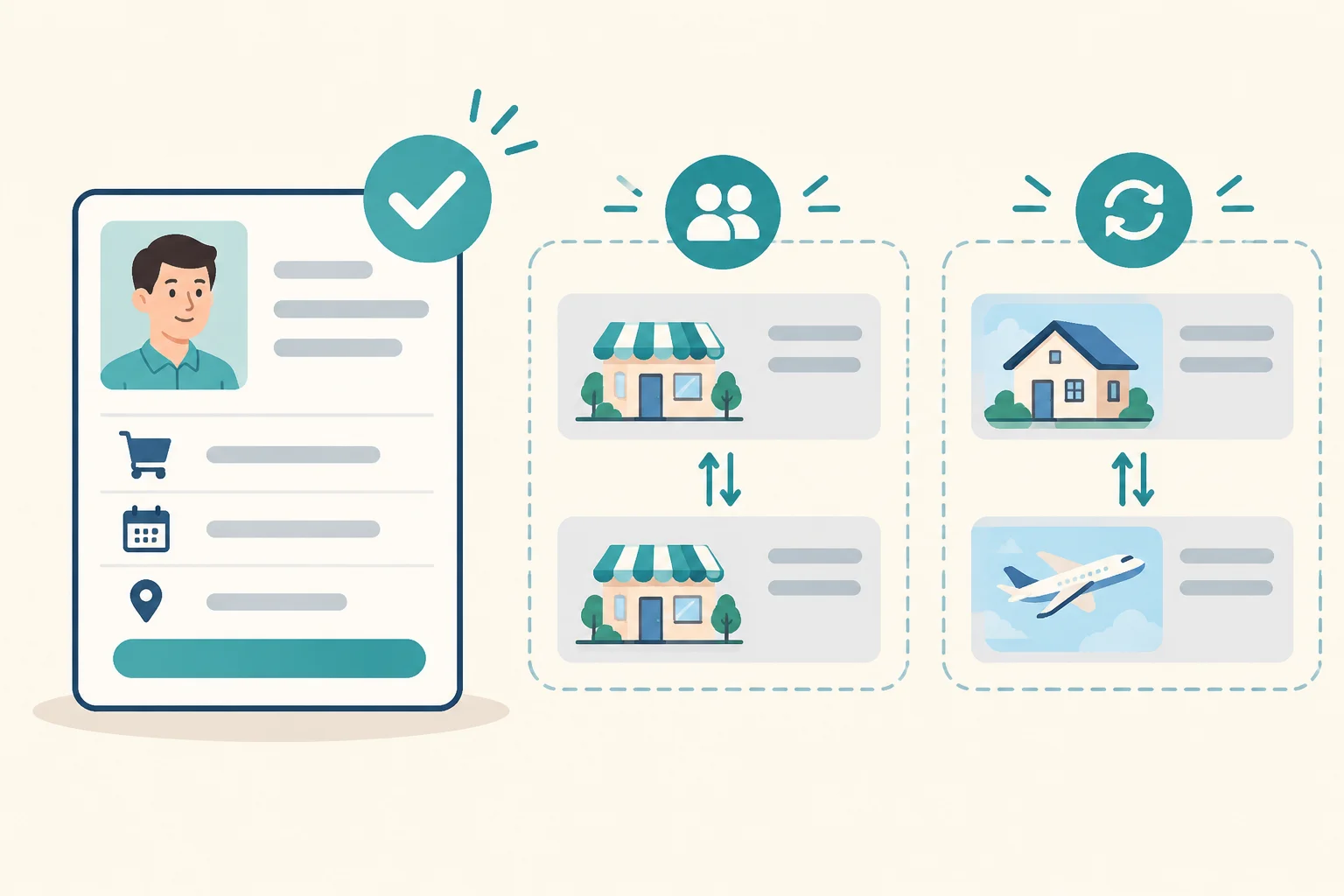
Check completeness and consistency across transaction fields, and learn why matching records are candidates for review rather than confirmed duplicates.
Read the conceptUse the HomeBank learning guide to connect record fields with everyday categorization decisions. It focuses on the desktop personal-finance program and practical transaction review.