Classification Systems
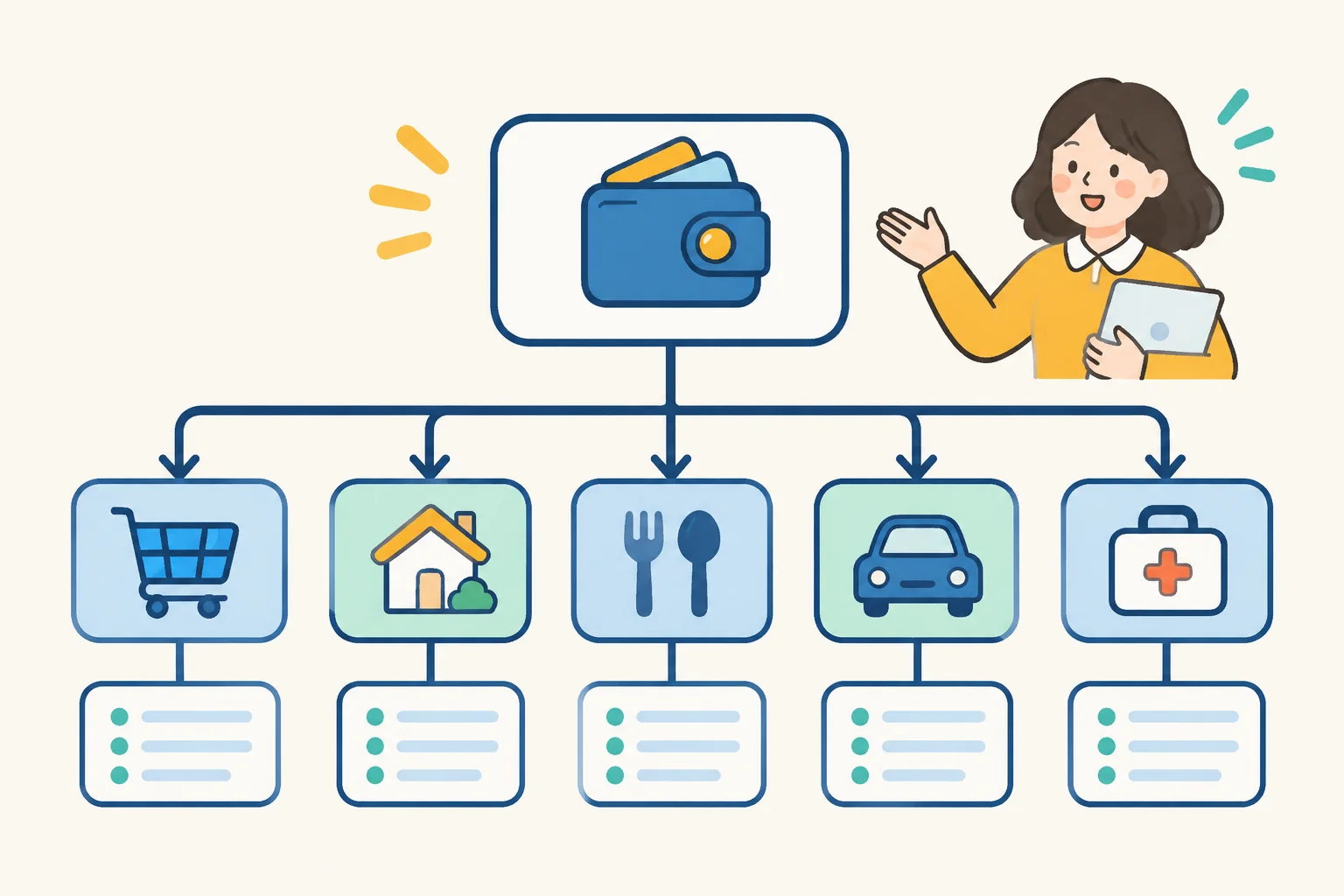
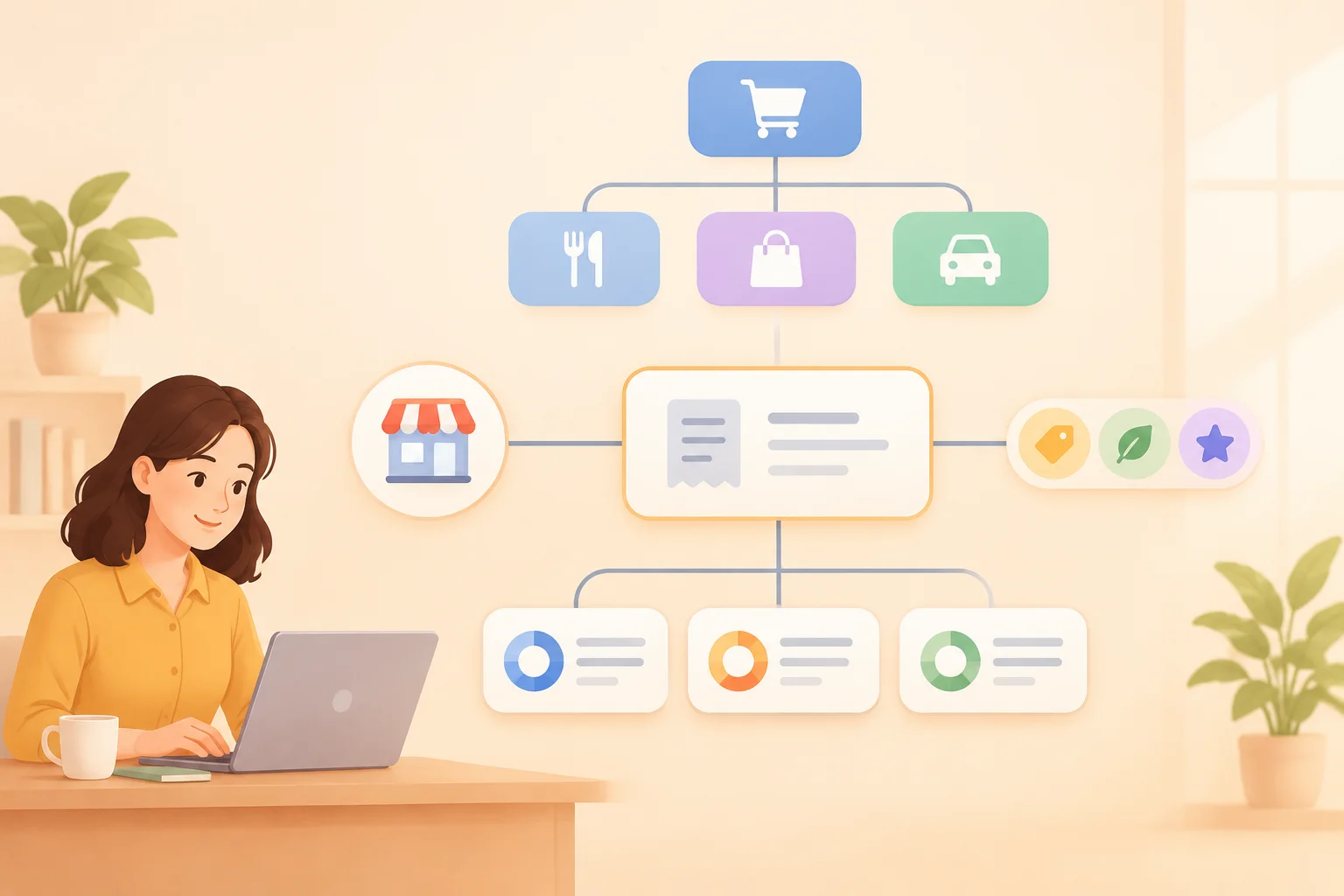
How can parent and child categories organize a purchase? See how category structure works alongside payee identity, tags and split allocations in one fictional grocery record.
Explore category structureExplore transaction fields, category relationships, import structures, and record classification through independent educational examples.
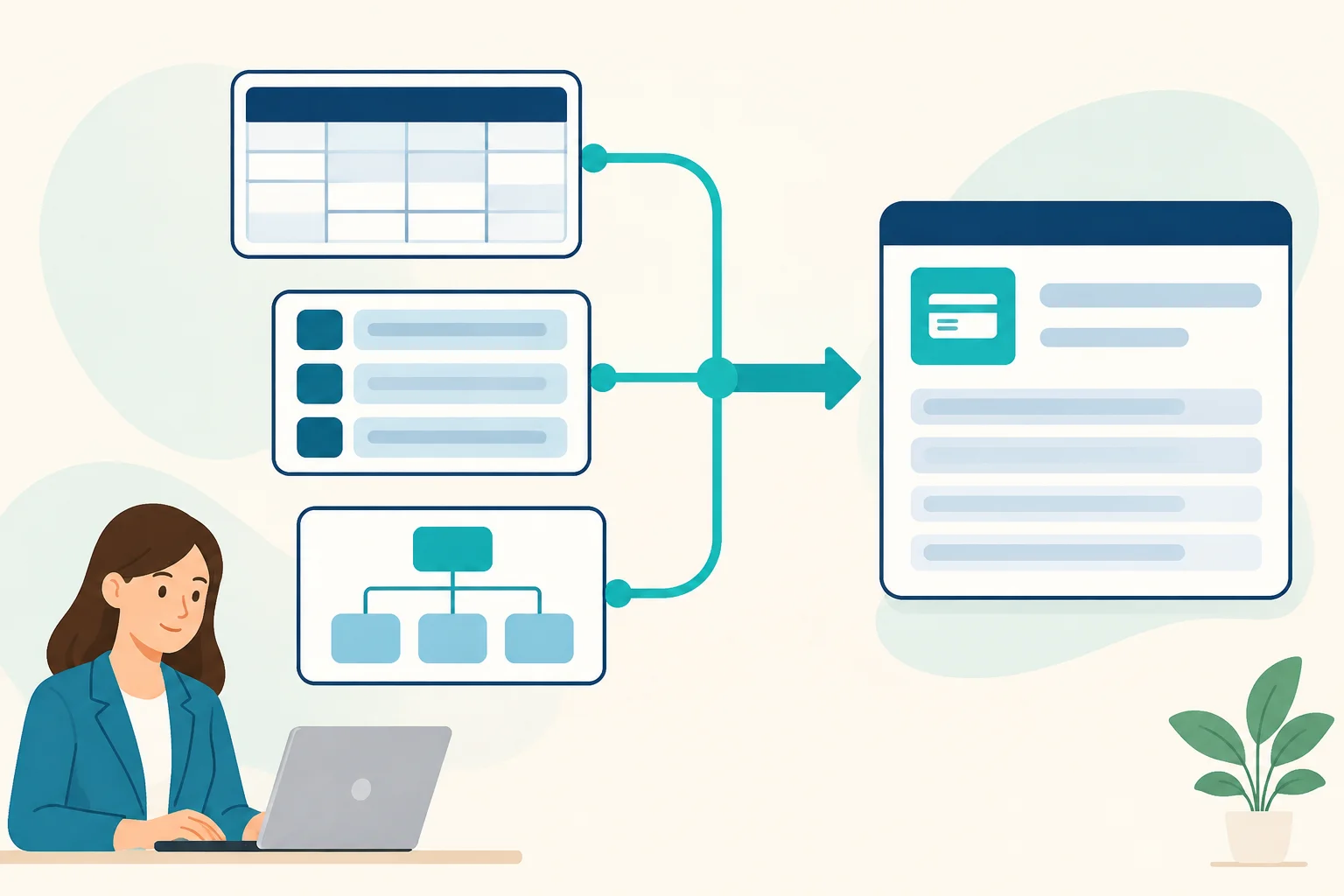
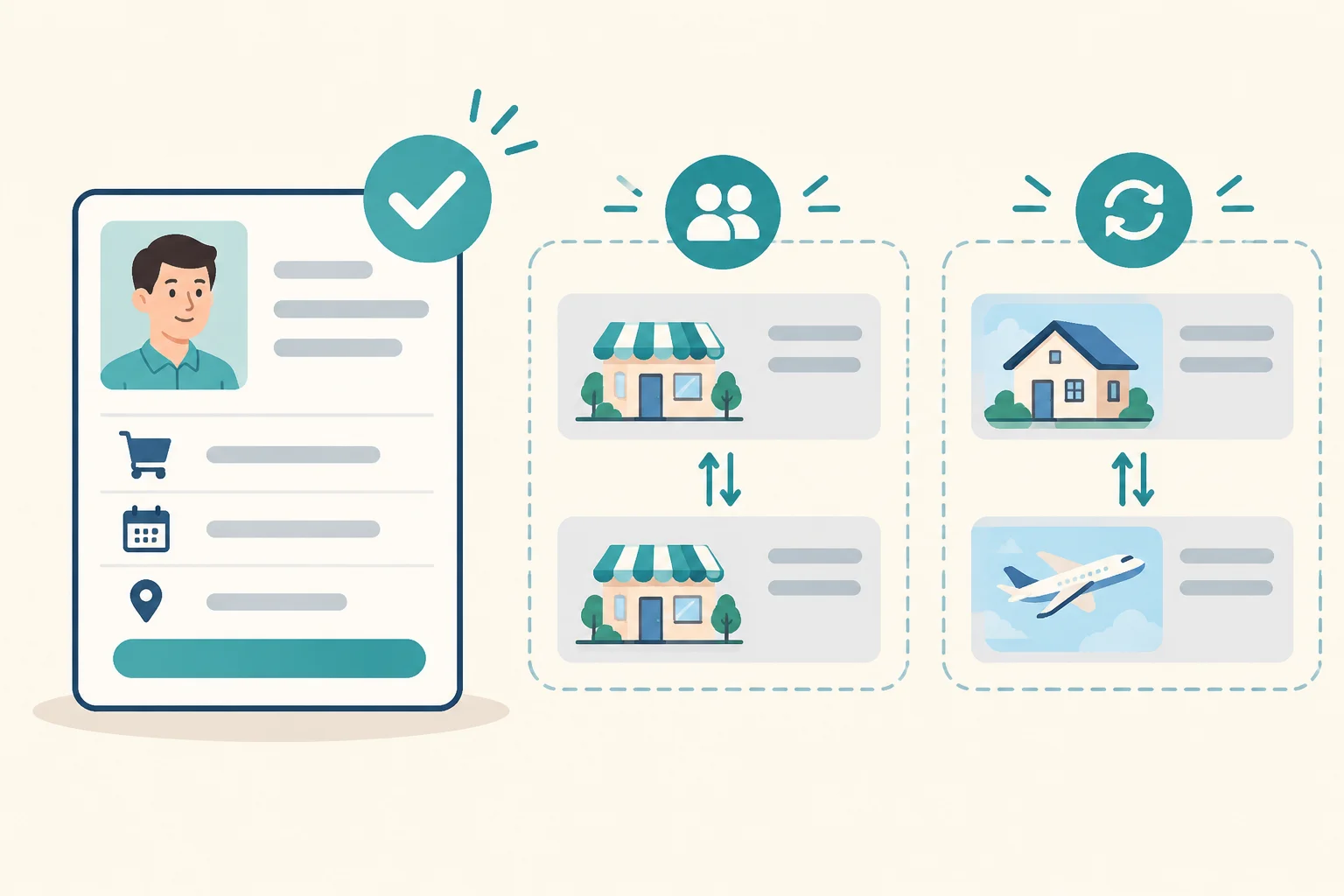
A transaction combines distinct fields into one reviewable record.
A transaction record keeps the details of a financial entry together. Understanding each field makes classification, import review, and record checks easier.
2026-04-08 | Sample Market | -85.00The source record and diagram are illustrative examples; “Sample Market” and “Market” are not presented as identical payee strings.
Each field answers a different question. Several independent fields can coexist in one transaction record.
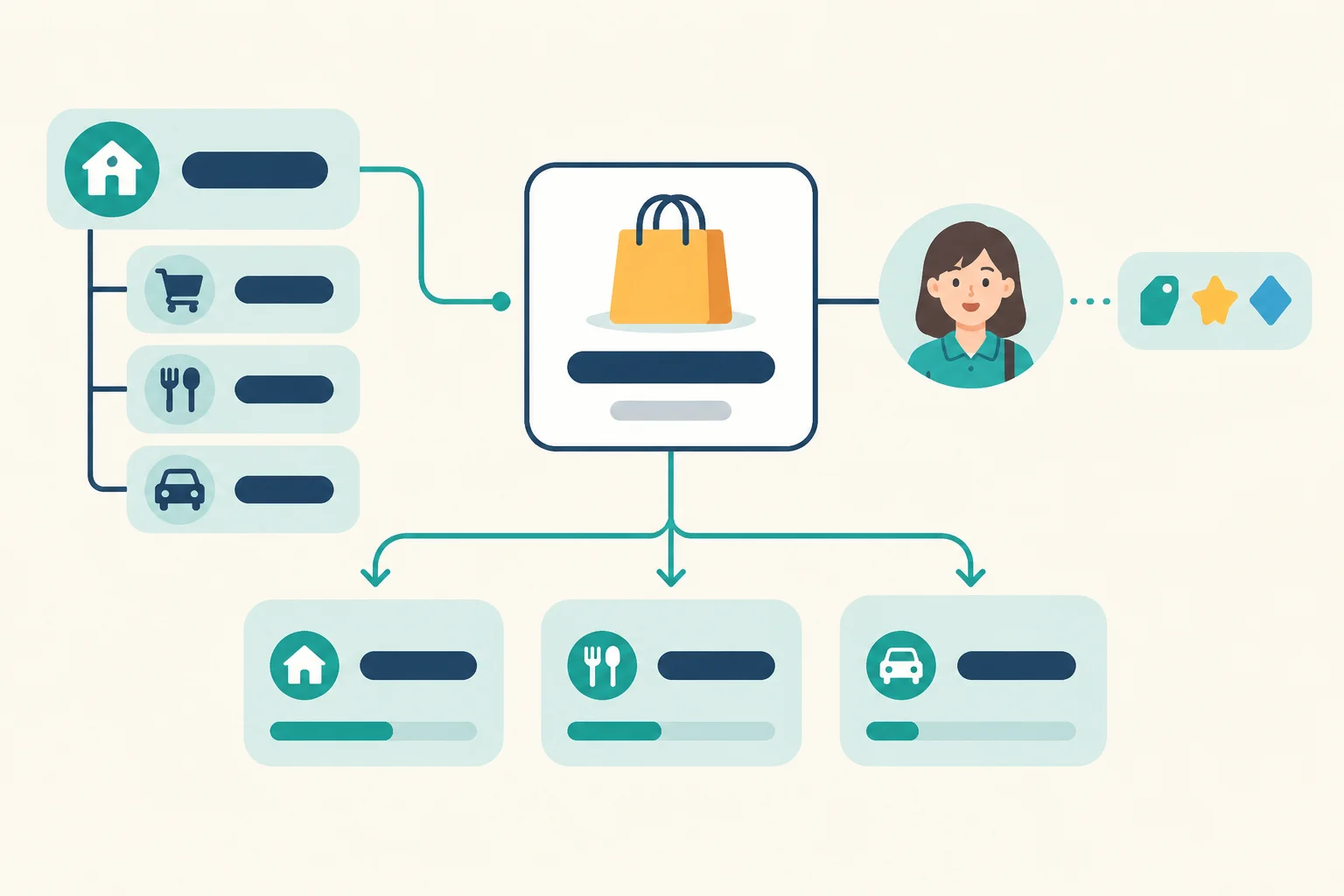
Each transaction can carry several kinds of classification information. Explore how categories, payees, tags and splits answer different questions while keeping the original record in view.
How can parent and child categories organize a purchase? See how category structure works alongside payee identity, tags and split allocations in one fictional grocery record.
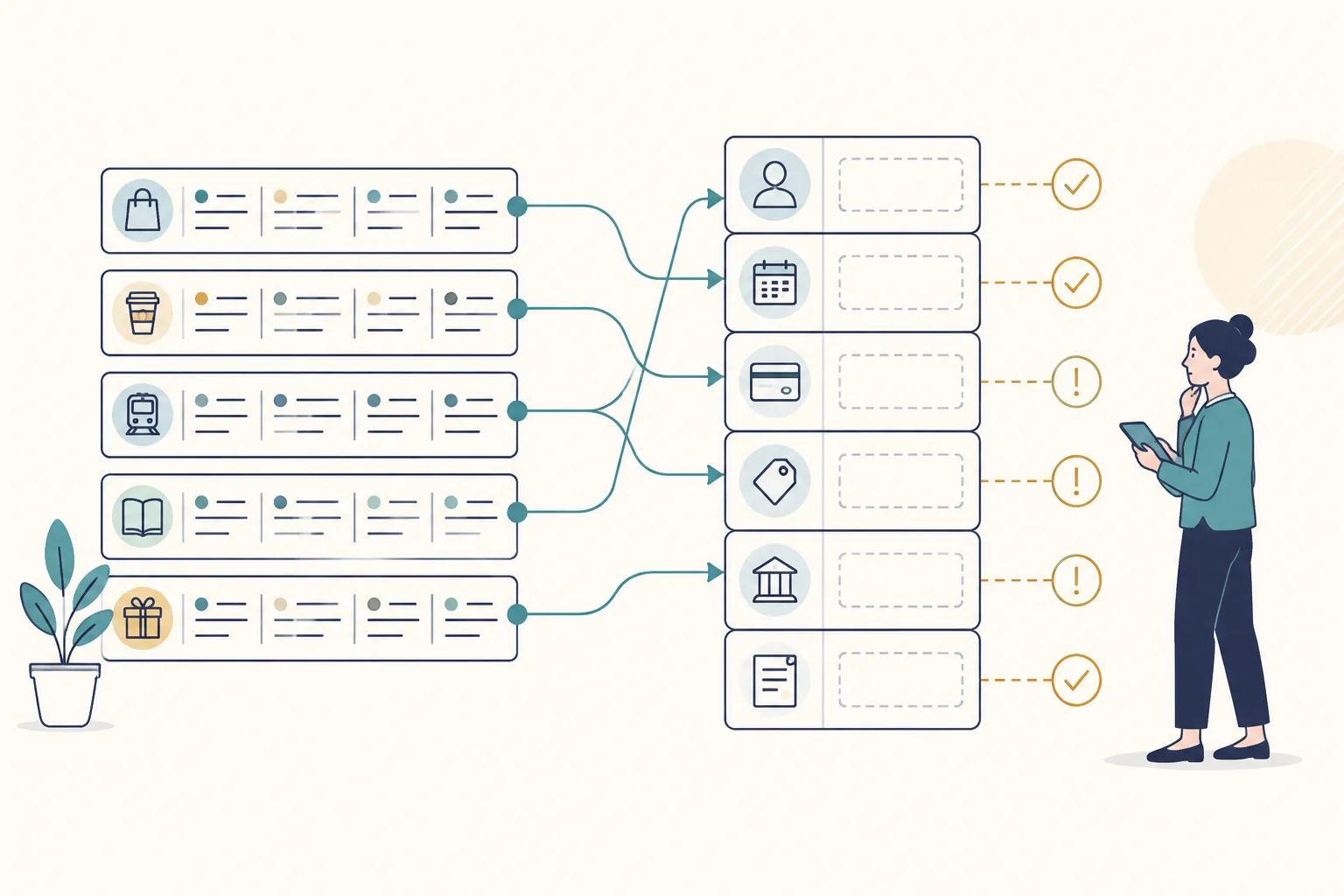
Explore category structureWhat does each imported field tell you about a transaction? Compare CSV, QIF, OFX and QFX structures, then consider where category and supplementary tag information belongs.
Compare import formatsWho received or provided the money, and is that identity recorded consistently? Review payee names alongside dates, amounts, categories and other record details.
Review record qualityHow can one transaction be allocated across several categories without becoming several purchases? Inspect fictional records, including a split and examples that merit duplicate review.
Explore sample recordsExplore the parts of a transaction record and see how each one contributes to clear, consistent classification. These lessons use fictional examples to explain categories, tags, splits, and import review.
Tell dates, payees, amounts, accounts, categories, tags, memos, and status apart by the role each field plays.
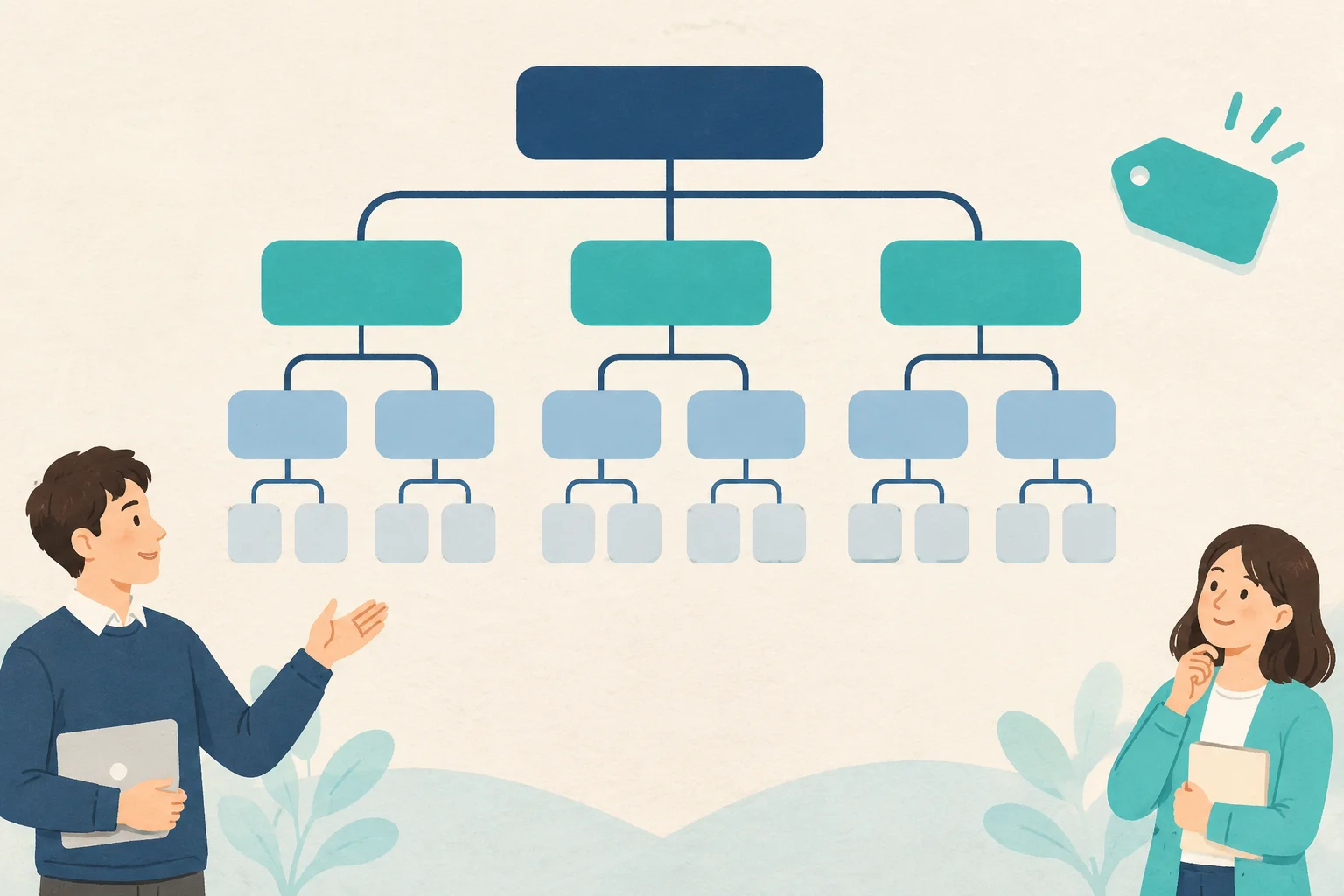
Use parent categories and subcategories to group related transactions with distinctions that stay understandable.
See how categories classify a transaction while tags add a separate label for context across different categories.
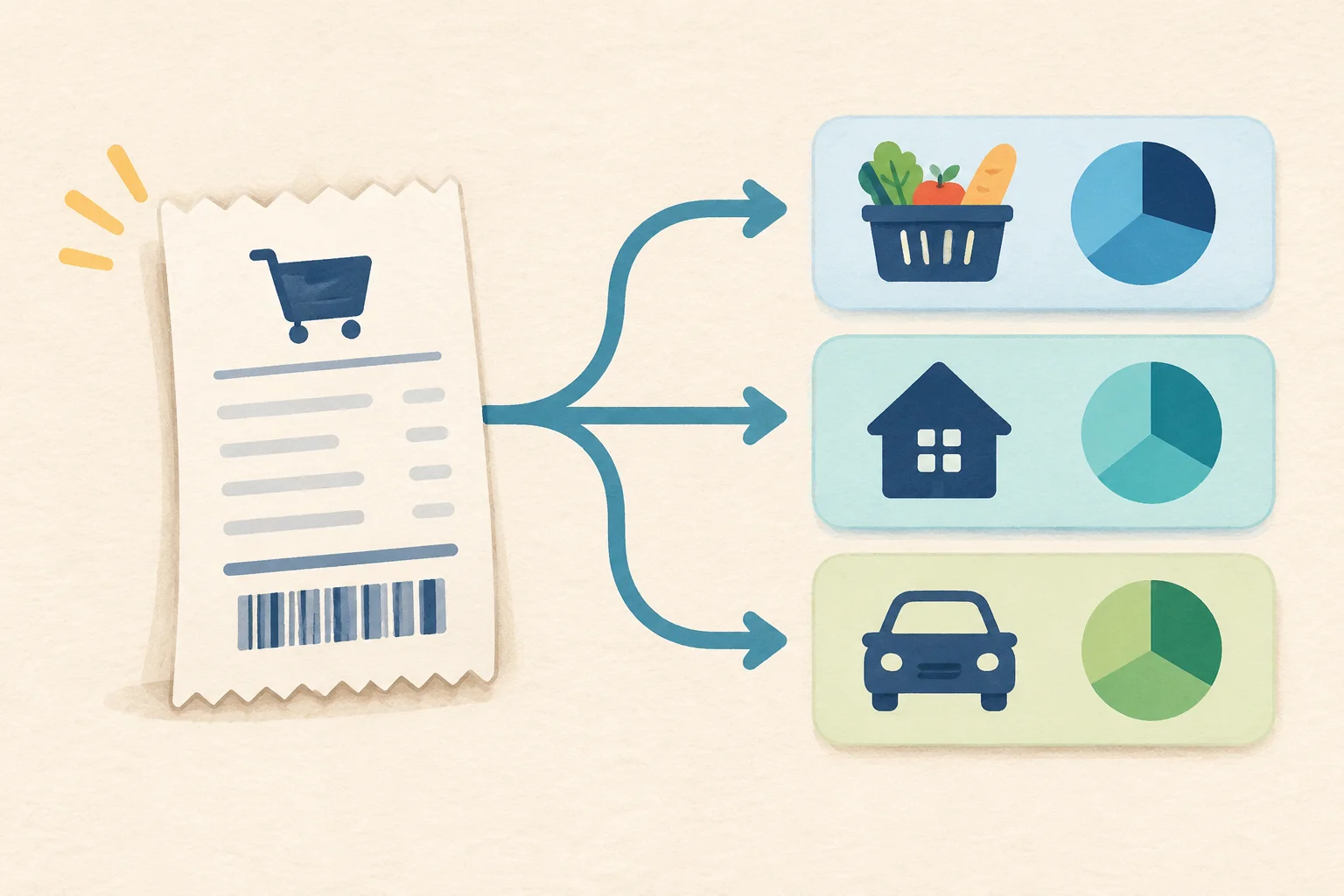
Follow one fictional $120 purchase allocated across three categories, with the $72, $30, and $18 shares adding back to the original amount.
Compare matching dates, amounts, and payees as review clues; context matters because similar records can also be separate purchases.
Start with the record structure, then explore how each classification choice fits.
Explore transaction anatomyCSV, QIF, OFX and QFX can describe transaction records in different ways. Knowing how each format structures its data makes it easier to interpret fields and map them accurately during import.
CSV files arrange data in rows and columns. A row commonly represents a transaction, while column headings identify values such as date, payee and amount; those columns may need to be matched to the appropriate destination fields.
Check the headings, date presentation and amount signs before mapping.
QIF stores transactions as labeled records. Each record can contain fields for values such as date, payee, amount and category, so recognizing the labels and where one record ends helps clarify the information being imported.
Interpret the record labels and boundaries before assigning fields.
OFX organizes financial data in a structured format with named elements. The structure can carry transaction details such as dates, descriptions and amounts, which still need to be understood in context when brought into a personal-finance file.
Review the meaning of each available element, not just its label.
QFX uses a structured transaction format. Its records can include identifying details alongside dates and amounts; compare the available fields with the destination record so each value is interpreted consistently.
Confirm field meaning and transaction context before import.
Desktop HomeBank supports CSV, QIF, OFX and QFX imports and can detect potentially duplicated transactions. A possible match is a reason to inspect the records, not proof that they are duplicates: two genuine purchases can share a date, payee and amount. Source: gethomebank.org.
Two fictional cafe entries share the same date, payee and amount, but their memos show separate morning and afternoon visits. Treat matching details as a prompt for context, not an automatic decision to remove a record.
For a practical walkthrough of transaction categories, payees, tags and import review, read the independent desktop HomeBank guide.
Read the HomeBank guide$120.00 total
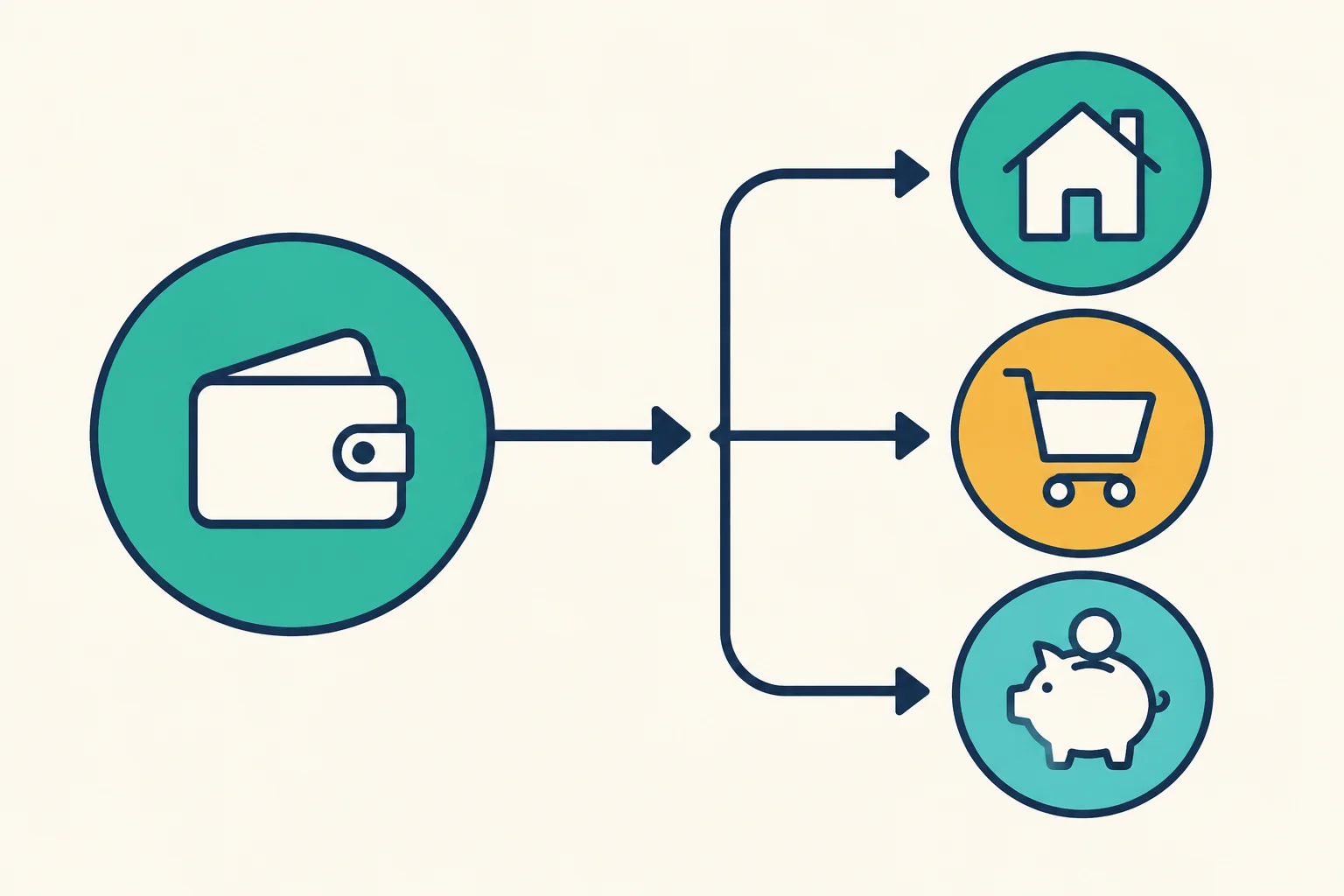
A category split distributes one transaction amount across several classifications. Here, the original $120.00 purchase stays one transaction while its amount is allocated to Groceries, Household Supplies, and Personal Care.
Because the three allocations add up to the original total, the record’s overall amount remains unchanged. This keeps the source purchase distinct from the categories used to describe it.
Read the category splits lessonMatching dates and amounts can be a reason to review two imported records, but they do not prove that the records describe the same purchase. Compare references, memos, account details, and the surrounding context before deciding how to classify them.
Both records are dated 2026-04-11 and show −$24.00 in Books from the Everyday Account. Each is marked Reading and Uncleared, and both share reference DEMO-BOOK.
One memo describes a book purchase; the other says “Second imported copy.” The shared reference and matching details make these records worth checking, while the memo provides context for the review.
Review both source records before treating either entry as a duplicate.
Both records are dated 2026-04-10 and show −$6.50 in Dining from the Everyday Account. Their matching date, payee, category, and amount may look alike at first glance.
The memos describe a Morning breakfast visit and a separate Afternoon visit. Those details indicate two distinct visits, even though the core transaction fields match.
Matching amount and date alone do not establish that two entries are duplicates.
Careful review preserves valid repeated purchases and helps identify imported copies using the evidence in each record.
Contact EntryMap FieldbookExplore independent lessons on organizing transaction records in the desktop HomeBank personal-finance program. Learn how categories, payees, tags, imports and review practices fit together through practical fictional examples.
See how parent categories and subcategories organize fictional purchases and make category-based statistics easier to interpret without changing transaction records.
Read the lessonDistinguish the counterparty named by a payee from supplementary tags that add context across categories, using fictional transaction records.
Read the lessonFollow one fictional $120 purchase allocated across three categories: $72 for groceries, $30 for household supplies and $18 for personal care.
Read the lessonCompare CSV, QIF, OFX and QFX structures, map fields carefully, and review potential duplicate matches in context rather than treating a match as proof.
Read the lessonExamine automatic assignment alongside deliberate classification review, with attention to checking the result rather than assuming how an assignment was made.
Read the lessonSee how reports total transactions by category, payee, or tag, and why consistent classification keeps every report line meaningful.
Read the lessonGo straight to a focused lesson on the record details and reporting tasks you want to understand.
Compare six fictional transactions by category, payee and tag. Filters work together, and a split transaction appears when any of its allocated categories matches.
6 records found
No records match these filters. Change a selection or reset the filters to see the records again.
R03 and R04 are separate cafe visits despite matching dates, payees and amounts. R05 and R06 are possible duplicates that require review; matching details alone do not prove duplication.
Explore clear examples for organizing categories, reading imported records, and reviewing transaction details. Each note focuses on a practical classification decision.
See how one fictional $120 purchase is allocated across three categories while remaining a single original transaction.
Read the field noteLearn how parent categories and subcategories create useful detail, while tags remain a separate way to label records.
Read the field noteDistinguish original imported wording from payee identity, and use context before treating similar names as the same counterparty.
Read the field noteCompare CSV, QIF, OFX, and QFX structures, then check field meaning, record boundaries, and amount signs before mapping.
Read the field noteCompare record context before deciding whether matching dates, amounts, and payees point to an import duplicate or separate purchases.
Read the field noteSee how a tag can mark shared context across categories without changing how a transaction is classified.
Read the field noteI created EntryMap Fieldbook to make transaction structure and classification easier to understand, one record at a time. Fictional examples show how categories, payees, tags, splits, and imported fields relate—without presenting sample transactions as anyone’s real financial data.
The aim is to help readers examine how a record is organized, ask better questions about its details, and make sense of classification choices in desktop HomeBank.
— EntryMap Fieldbook
About the project
Understand how transaction records are organized, what import checks can and cannot tell you, and how this independent learning resource handles your information.
Classification groups records by meaningful categories so spending summaries and reviews are easier to interpret. A consistent structure also helps you compare similar transactions without changing the original record.
A category places a transaction in a classification hierarchy, such as a parent category and a more specific subcategory. Tags add supplementary context across categories; they are not another level of that hierarchy.
A split allocates one transaction across multiple categories while keeping one original record. For example, a $120.00 purchase can be divided into $72.00 for Groceries, $30.00 for Household Supplies, and $18.00 for Personal Care.
No. Similar dates, payees, and amounts are clues for review, not proof. Two genuine purchases can share those details, so check the surrounding record context before deciding whether an entry is duplicated.
Desktop HomeBank supports CSV, QIF, OFX, and QFX imports. Field mapping depends on the structure and meaning of the source data, and a potential duplicate match still needs contextual review.
No. EntryMap Fieldbook is an educational website with no bank connection and does not access bank accounts. Its examples are fictional and explain transaction classification and import concepts.
Share a correction to our educational material or tell us about an accessibility issue. Clear feedback helps keep EntryMap Fieldbook useful and easier to navigate.
Please do not send credentials, bank statements, or identifiable transaction records.