Use rules, then review results
Automatic assignment in desktop HomeBank can reduce repeated category work when a transaction matches a deliberate rule. Learn how to set up a useful rule, inspect what it assigns, and handle exceptions without assuming the program learns from transaction history.
What an assignment rule does
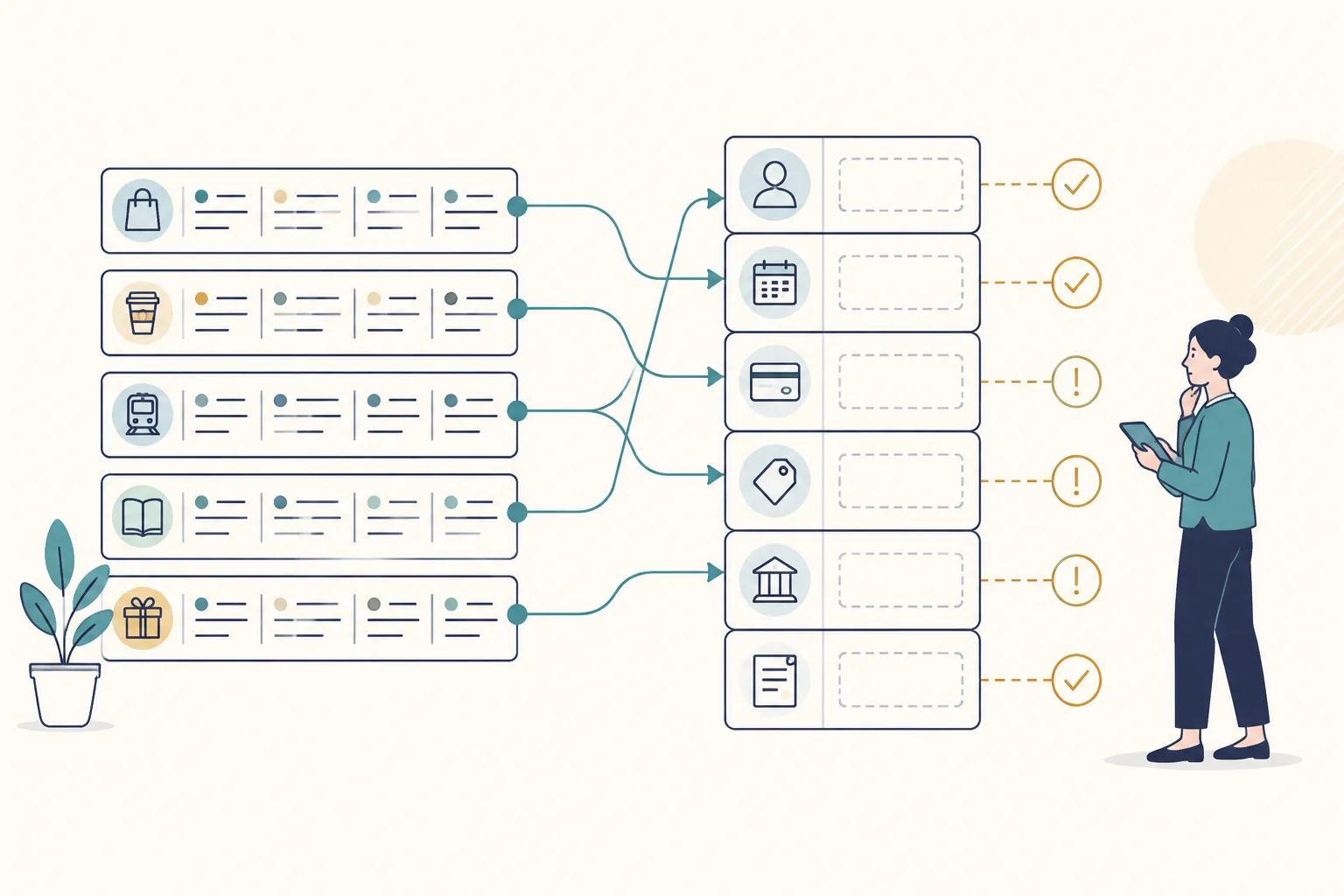
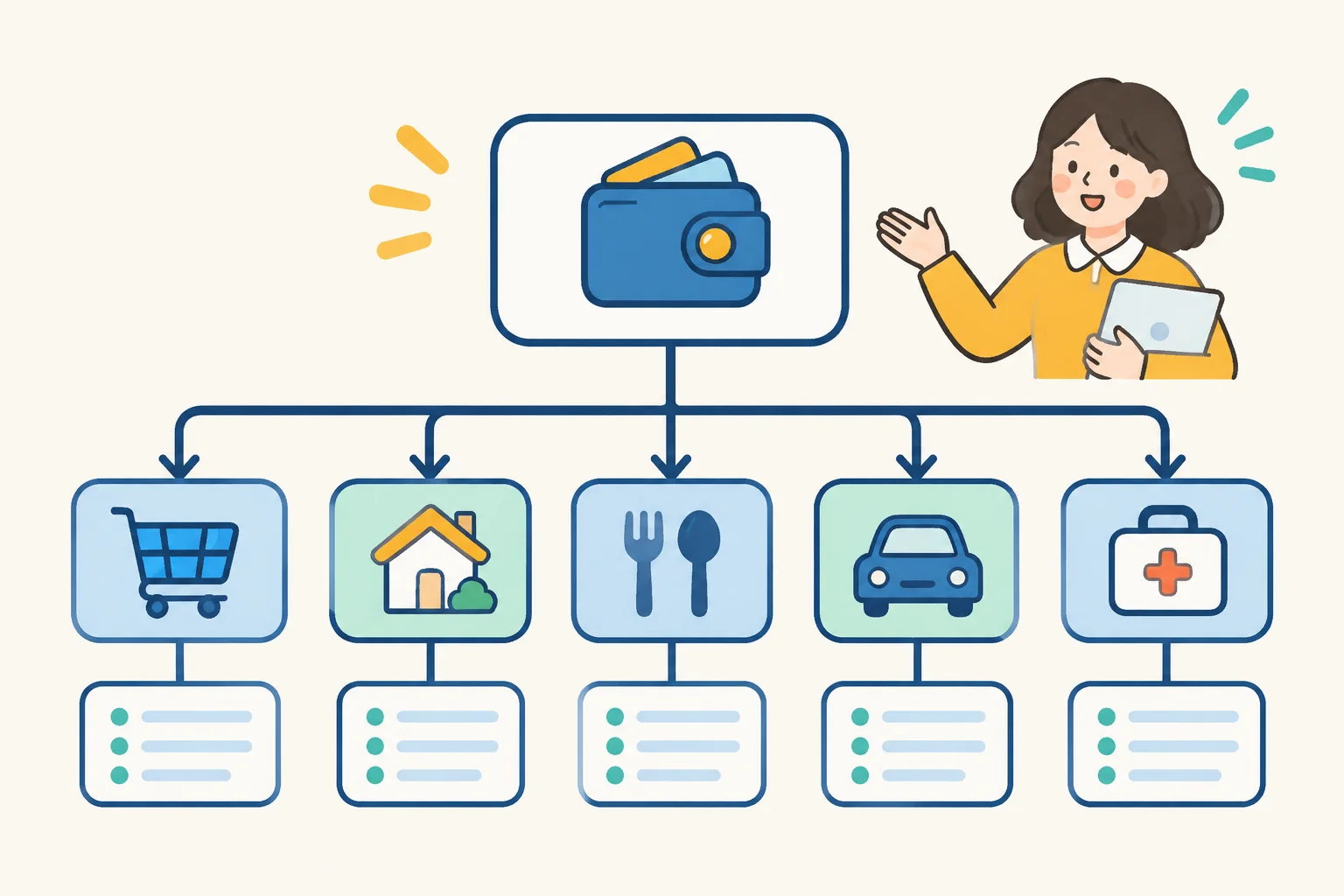
A rule applies chosen classification details when a transaction meets criteria you define. A recurring merchant can be a useful match, but the merchant name alone may not identify what was bought. A grocery store purchase might belong in Groceries on one visit and Household Supplies on another, so broad matching can create confident-looking errors.
Rules suit people who regularly enter similar transactions and want consistent starting classifications. They work best when the match is distinctive and the category is predictable; unusual purchases and ambiguous payees still need human judgment.
Build and inspect a rule
Start with a few known transactions rather than trying to classify every payee at once. Choose a condition that distinguishes the intended records, assign the appropriate category, then check the resulting entries for exceptions. Keep the rule narrow when a payee sells goods across several categories.
- Identify the repeated transaction pattern and the field that reliably signals it.
- Choose a category that accurately describes those purchases.
- Apply the rule and inspect each affected transaction, including its date, amount, payee, and memo.
- Adjust or remove an overly broad match before using the resulting totals.
A fictional review example
Suppose a household uses a rule to assign transactions from Market to Groceries. Record R01 on April 8, 2026 is Market, −$85.00, and Groceries; its weekly pantry purchase fits the rule. Record R02 on April 9 is Sample Market, −$120.00, with a split of Groceries $72.00, Household Supplies $30.00, and Personal Care $18.00. The second record demonstrates why a merchant match cannot safely replace checking transaction details: one basket spans three categories.
These fictional records illustrate a review method, not a claim that HomeBank infers rules from past spending. Check the actual assignment behavior in your desktop program and confirm the category on each record. Classification shapes reports, so a wrongly broad rule can distort totals even when the transaction amount itself is correct.
Keep the product scope clear
This lesson concerns the desktop personal-finance program HomeBank. HomeBank also names a separate app for Apple devices; its features and rule behavior are outside this desktop workflow. Consult the official HomeBank website for information about the desktop program, and verify current controls in the version you use.