Separate identity from context
In desktop HomeBank, the payee identifies the person or business associated with a transaction; a tag adds a descriptive label to that record. Keeping these roles distinct prevents a common muddle: treating a purchase type, project, or occasion as though it were the counterparty.
What a payee identifies
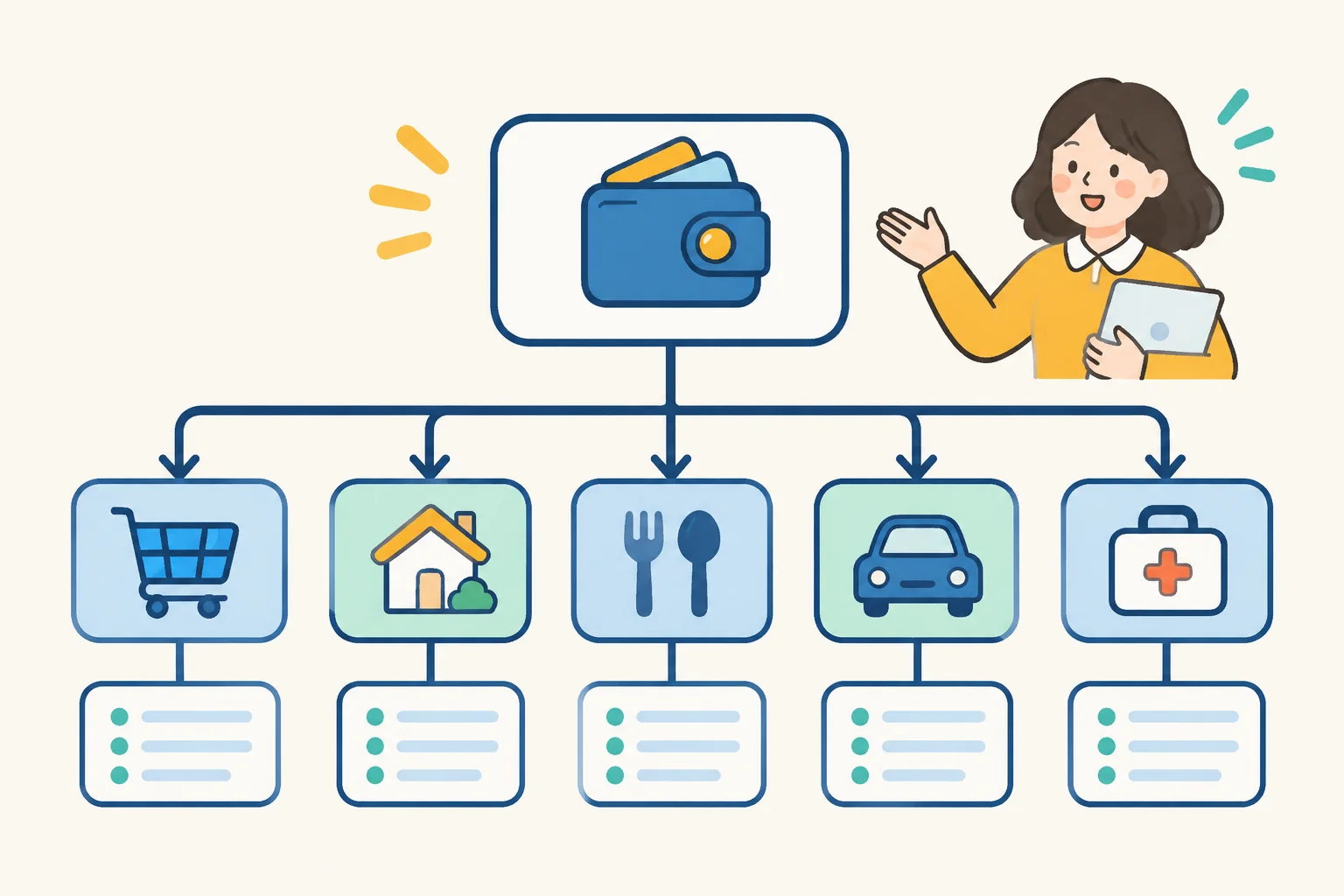
Use the payee field for who received or provided the money. “Market” or “Corner Cafe” can identify the counterparty, while the category describes the financial purpose, such as Groceries or Dining. A stable payee name makes repeated transactions easier to recognize even when their categories differ.
What transaction tags add
Tags supply supplementary context that may cut across categories. A label such as “Work trip” can connect a meal and a transit purchase without changing either transaction’s payee or category. Choose concise labels you will apply consistently; a tag is useful only when its meaning stays clear across records.
Read the records in context
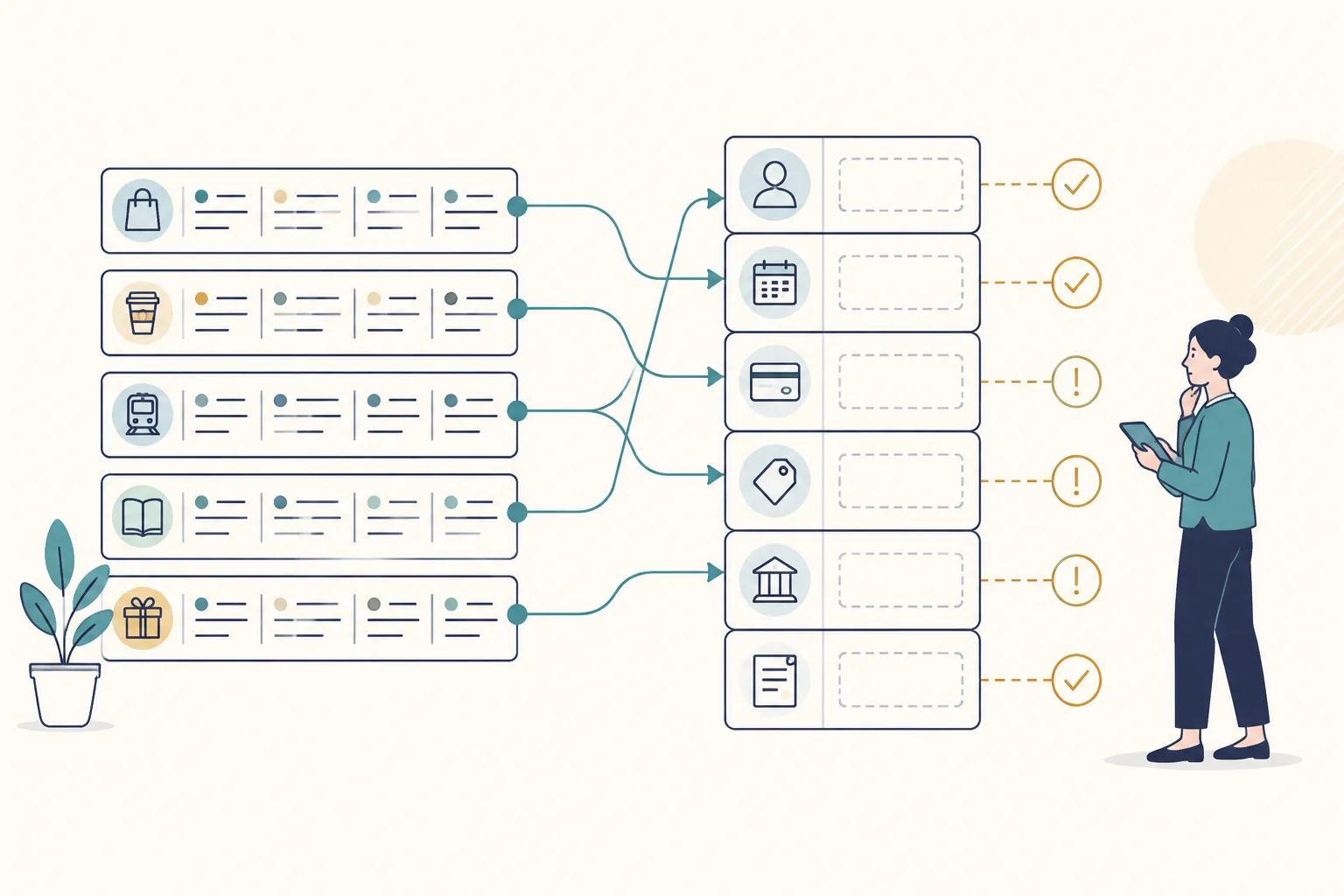
Consider these fictional examples. R03 records −$6.50 at Corner Cafe, categorized as Dining, with “Morning” as its note. R04 is another −$6.50 Corner Cafe transaction, also Dining, but “Afternoon” records a different visit. Matching payee and amount do not make them duplicates. R01, a −$85.00 Market purchase categorized as Groceries, could carry a “Weekly shopping” tag to describe its context without replacing the payee.
Apply labels deliberately
- Keep the counterparty in the payee field.
- Assign the category that reflects the transaction’s financial purpose.
- Add a tag only when it provides useful context across records.
- Review similar entries for naming consistency before drawing conclusions.
Tags do not turn separate transactions into one record, and a shared label does not prove that two entries are duplicates. Check dates, descriptions, and other available details before changing or removing a transaction. These examples illustrate record organization; they are fictional and do not establish a required naming scheme.
Keep the desktop scope clear
This lesson concerns the desktop personal-finance program HomeBank. A separate Apple-device app also uses the HomeBank name; its features are outside this desktop workflow. For desktop product information, visit the official HomeBank website.