Build a clear category hierarchy
Learn how parent categories and subcategories organize desktop HomeBank transactions, then use that structure to interpret spending statistics. Categories classify what a transaction represents; the hierarchy groups related classifications without altering the original record.
Understand parent and subcategory
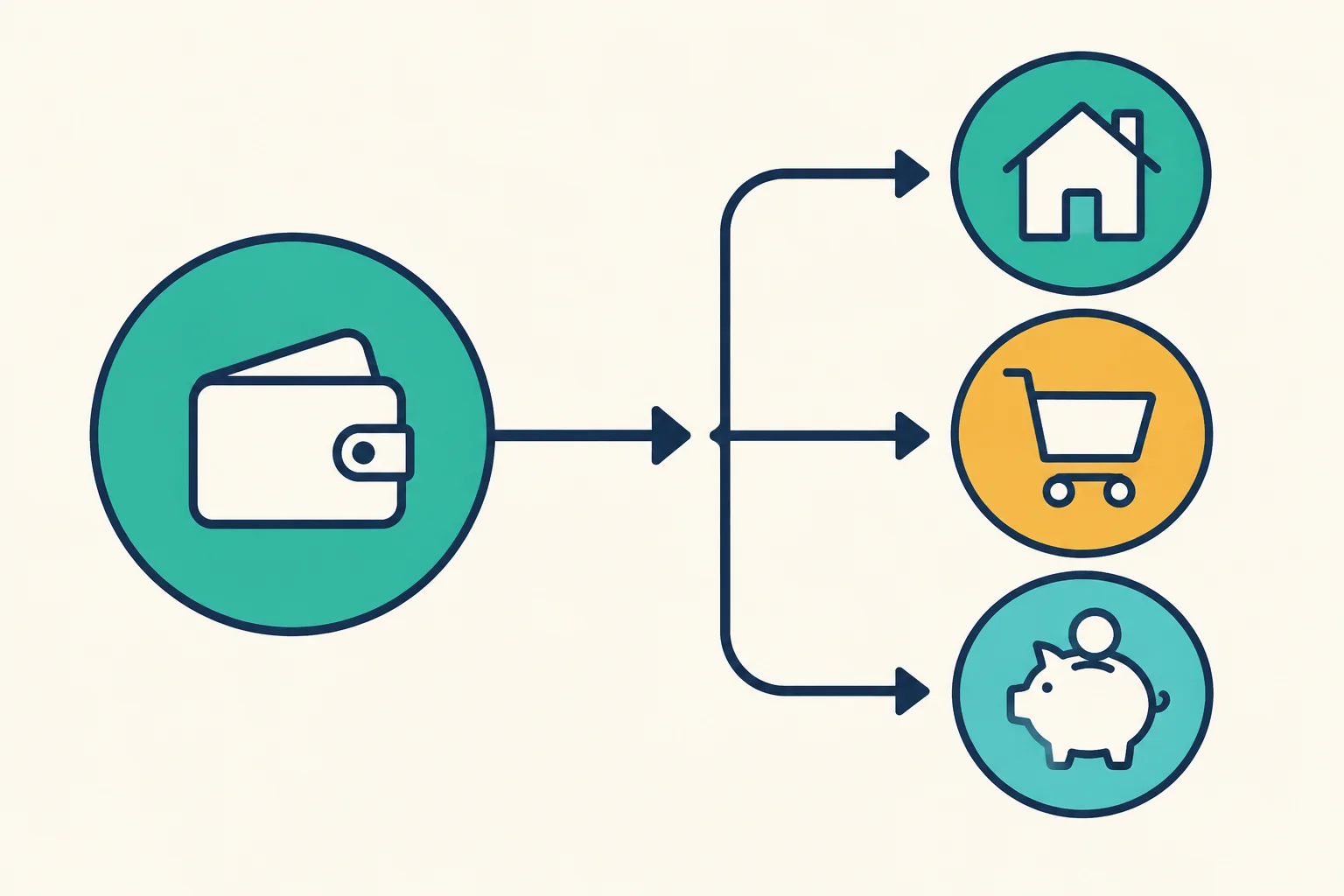
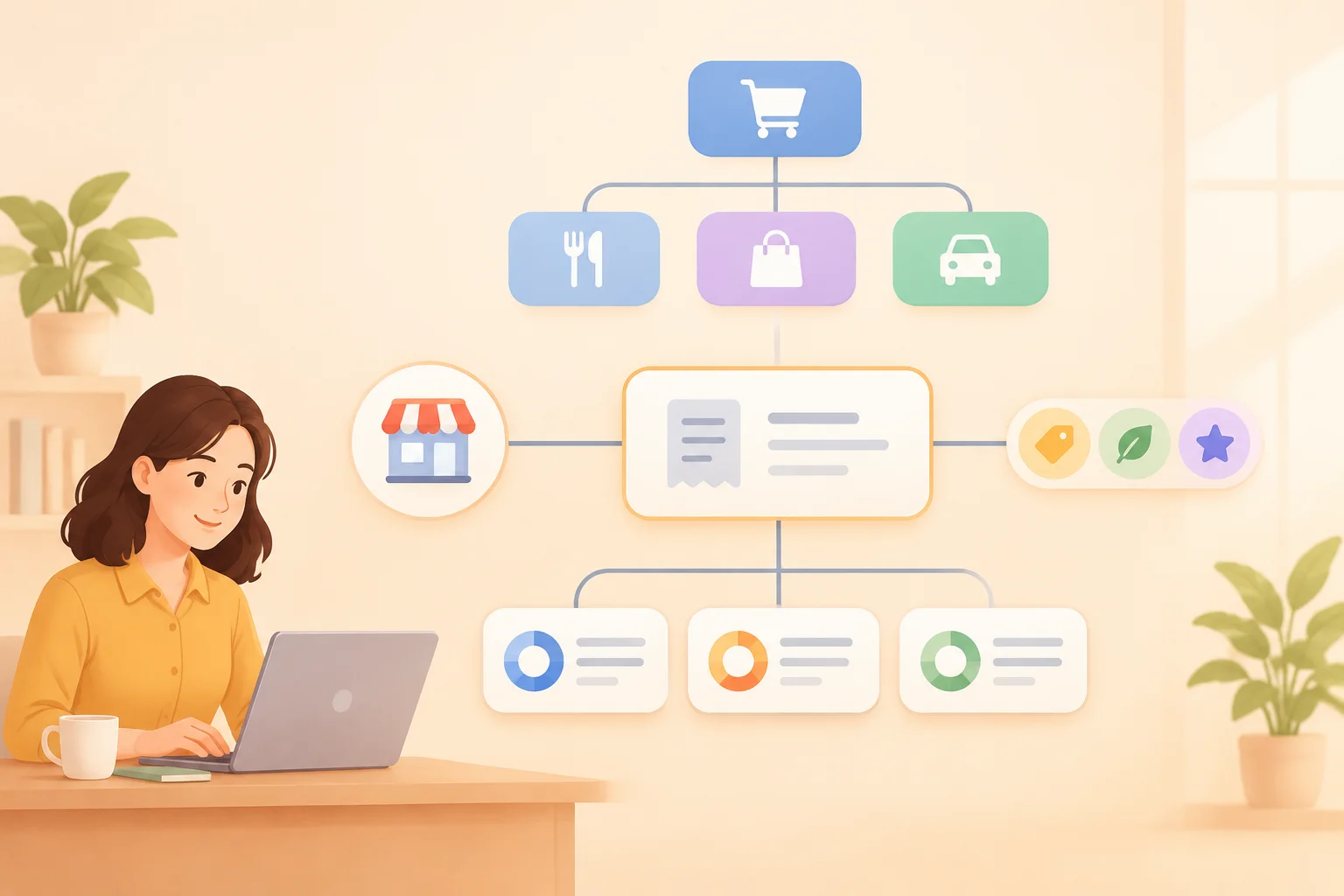
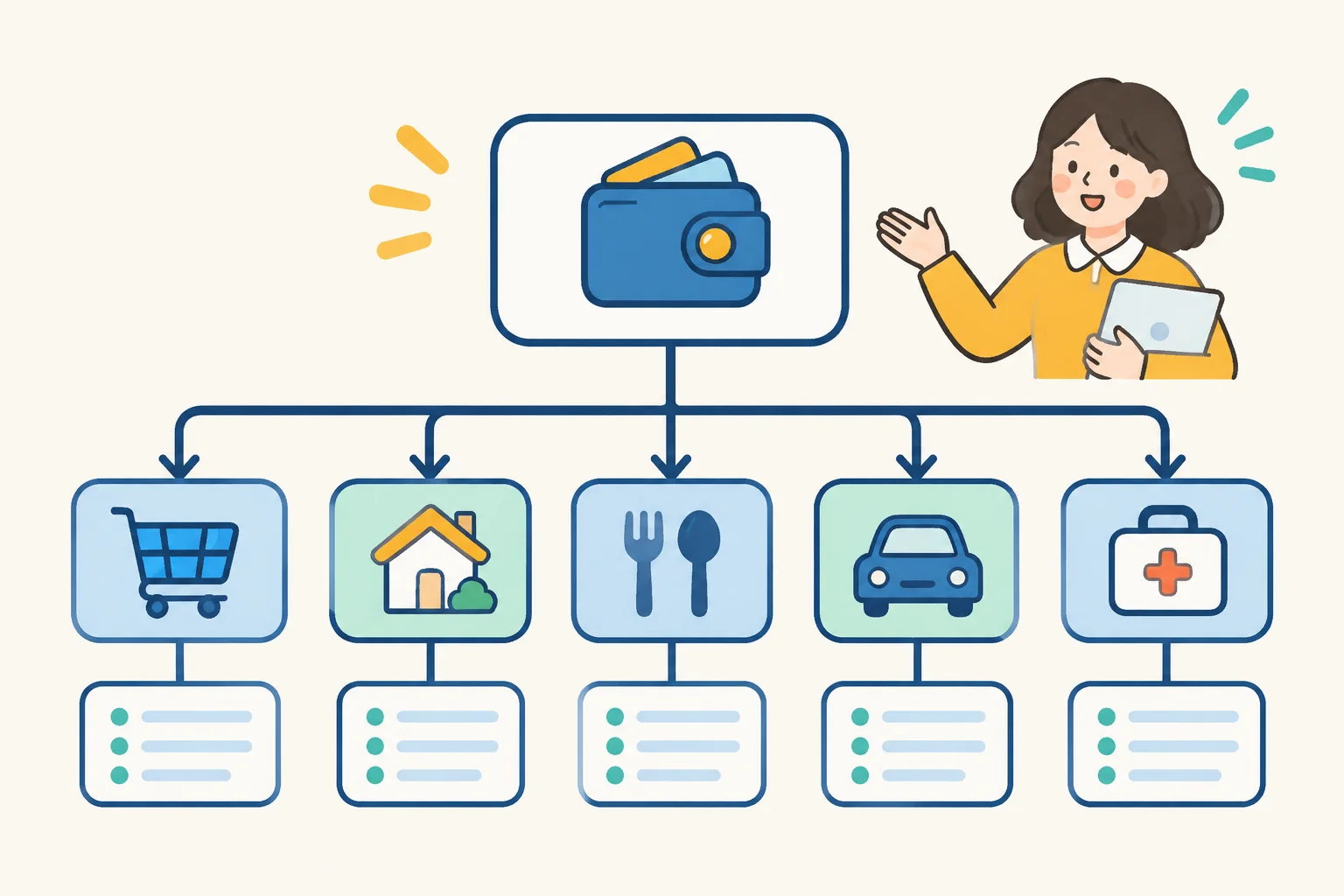
A parent category names a broad spending area, while its subcategories separate useful details within that area. For example, a household budget might use Home as a parent, with Utilities and Supplies beneath it. The parent gives reports a wider view; the subcategory answers where that spending went.
Create a practical structure
Start with the distinctions you actually want to review. Add a subcategory when it answers a recurring question, such as whether household spending went to utilities or supplies. Keep names short and consistent, and avoid creating a new branch for every individual shop or one-off purchase. Those details belong in the transaction record, not necessarily in the category tree.
- Choose a broad spending area.
- Add only subcategories that clarify a meaningful difference.
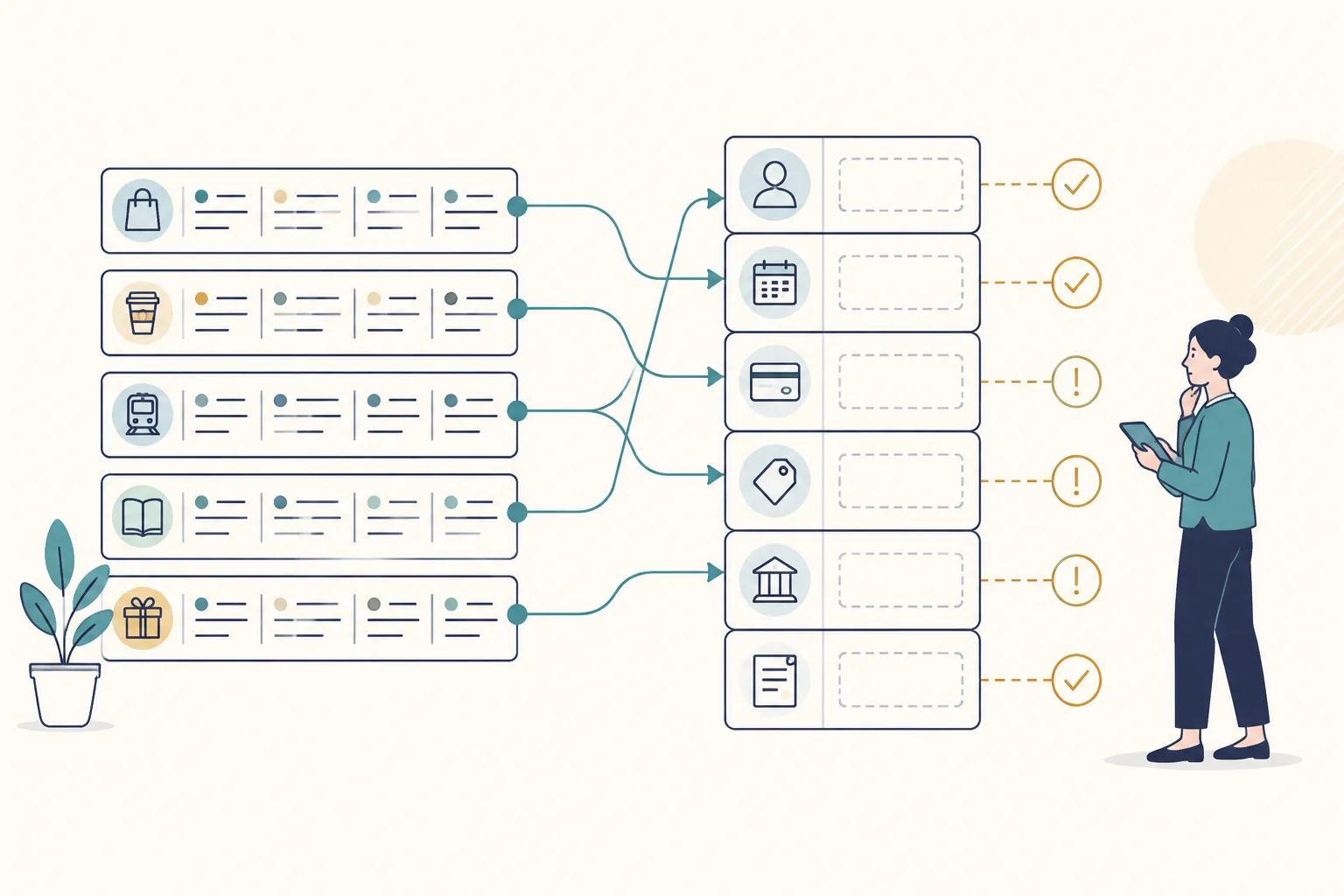
- Apply the same classification logic to similar purchases.
- Review the category statistics and adjust unclear assignments.
Read a fictional purchase example
Suppose a household records a fictional $85.00 market purchase as Groceries, a subcategory under Food. A separate $24.00 purchase of household cleaning products could be classified under Supplies, beneath Home. The parent categories make broad comparisons possible; the subcategories retain detail. These sample amounts illustrate classification only and are not HomeBank product data.
Interpret category statistics carefully
Category-based statistics are only as useful as the assignments behind them. A report grouped by parent can show broad patterns; a closer view of subcategories can reveal which parts of a group account for those totals. Inconsistent placement can split similar spending across unrelated branches, so review category choices before drawing conclusions. Changing a classification affects how the transaction is grouped, not the transaction’s recorded amount or other underlying details.
Keep the desktop scope clear
This lesson covers the desktop personal-finance program HomeBank. HomeBank also names a separate app for Apple devices; its features are distinct and are not described here. For desktop product information, visit the official HomeBank website.