Read reports through consistent classification
Learn how desktop HomeBank statistics reports group transactions by the fields assigned to them, why consistent categories and tags make totals easier to interpret, and how a split transaction contributes to more than one report line. Reports describe recorded data; they do not change it.
Understand what statistics show
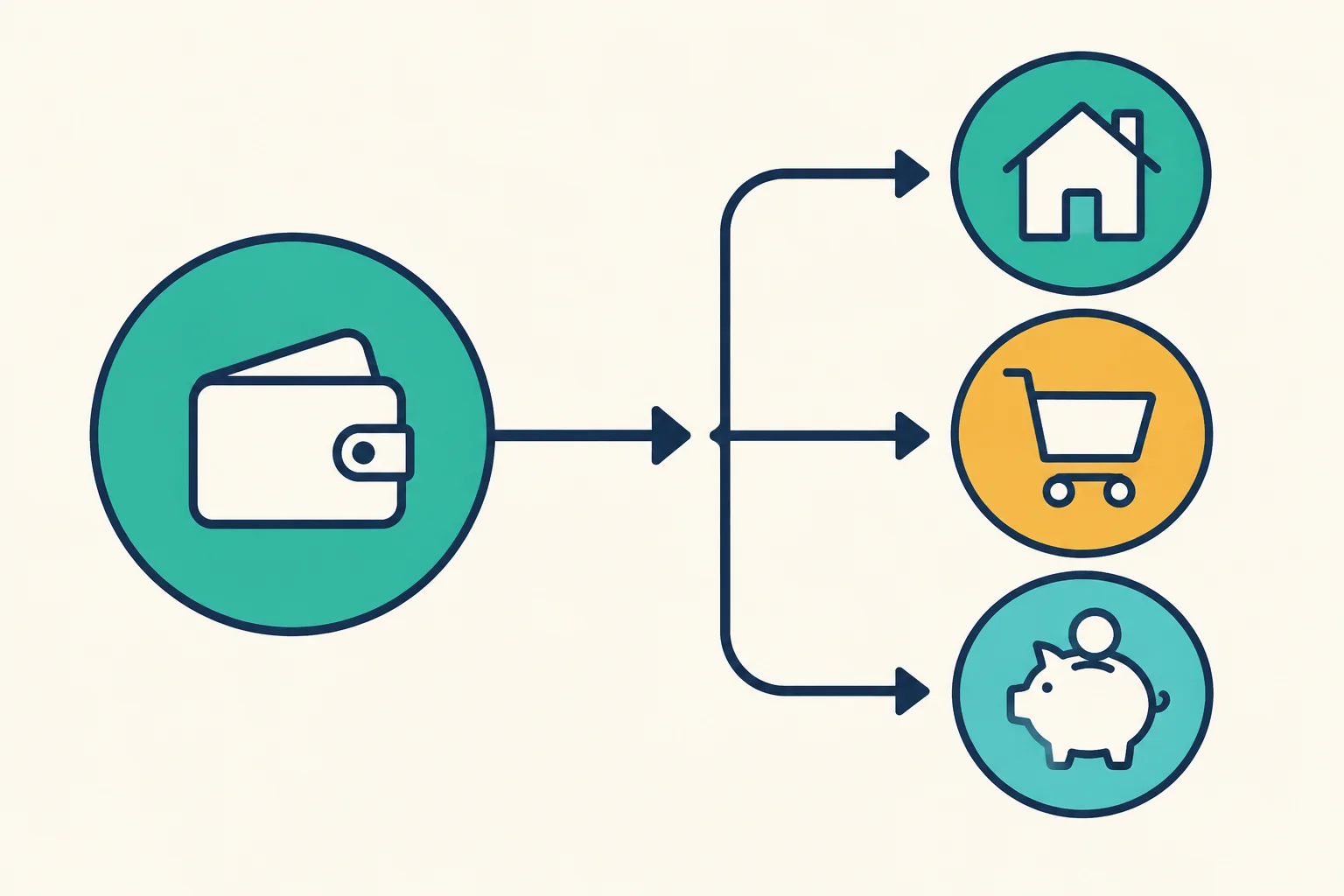
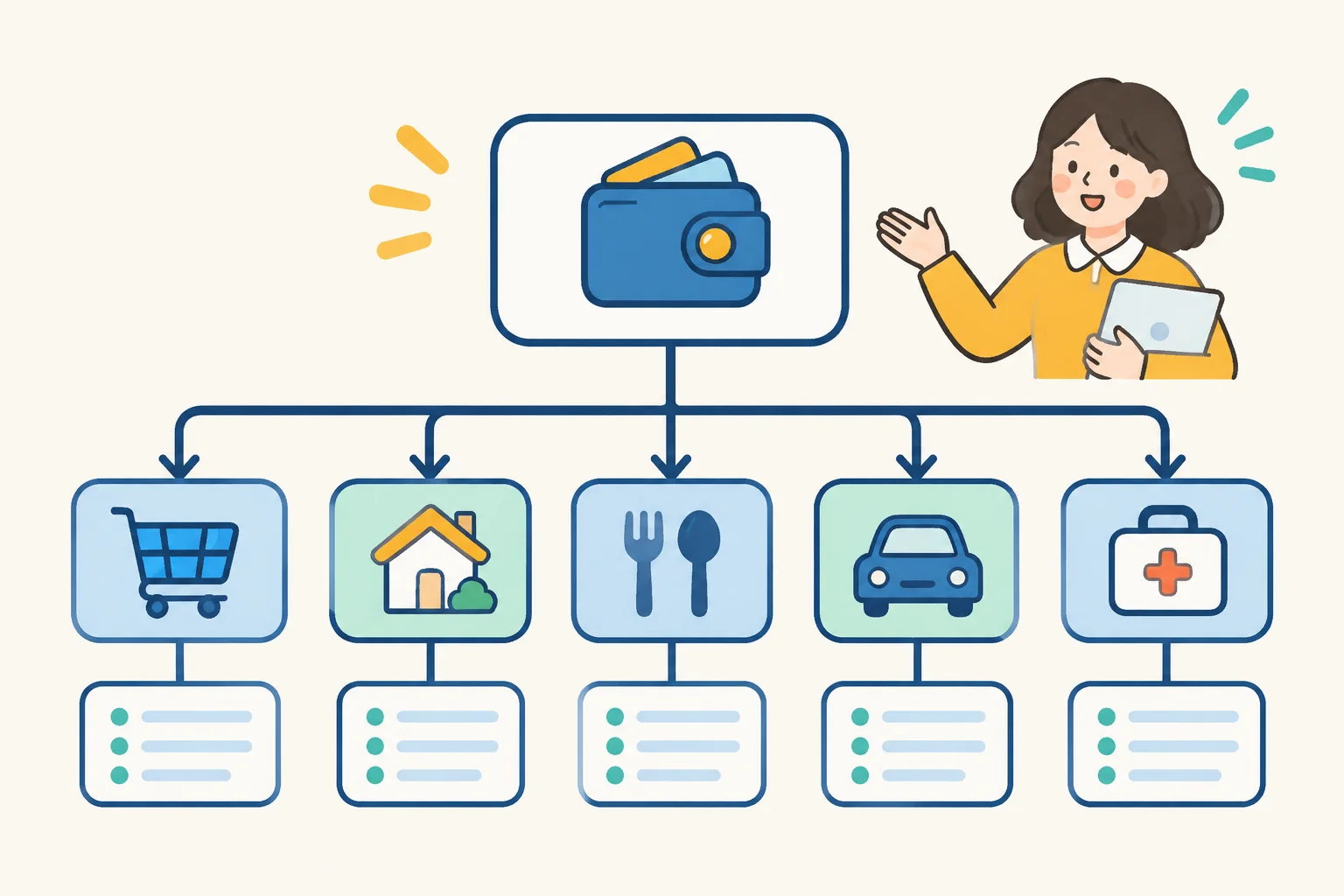
A statistics report totals transactions by a chosen field, such as category, payee, or tag. Each transaction contributes its amount to the line that matches its assigned value, so a report is a grouped view of recorded entries rather than a separate set of data.
See how reports follow assigned fields
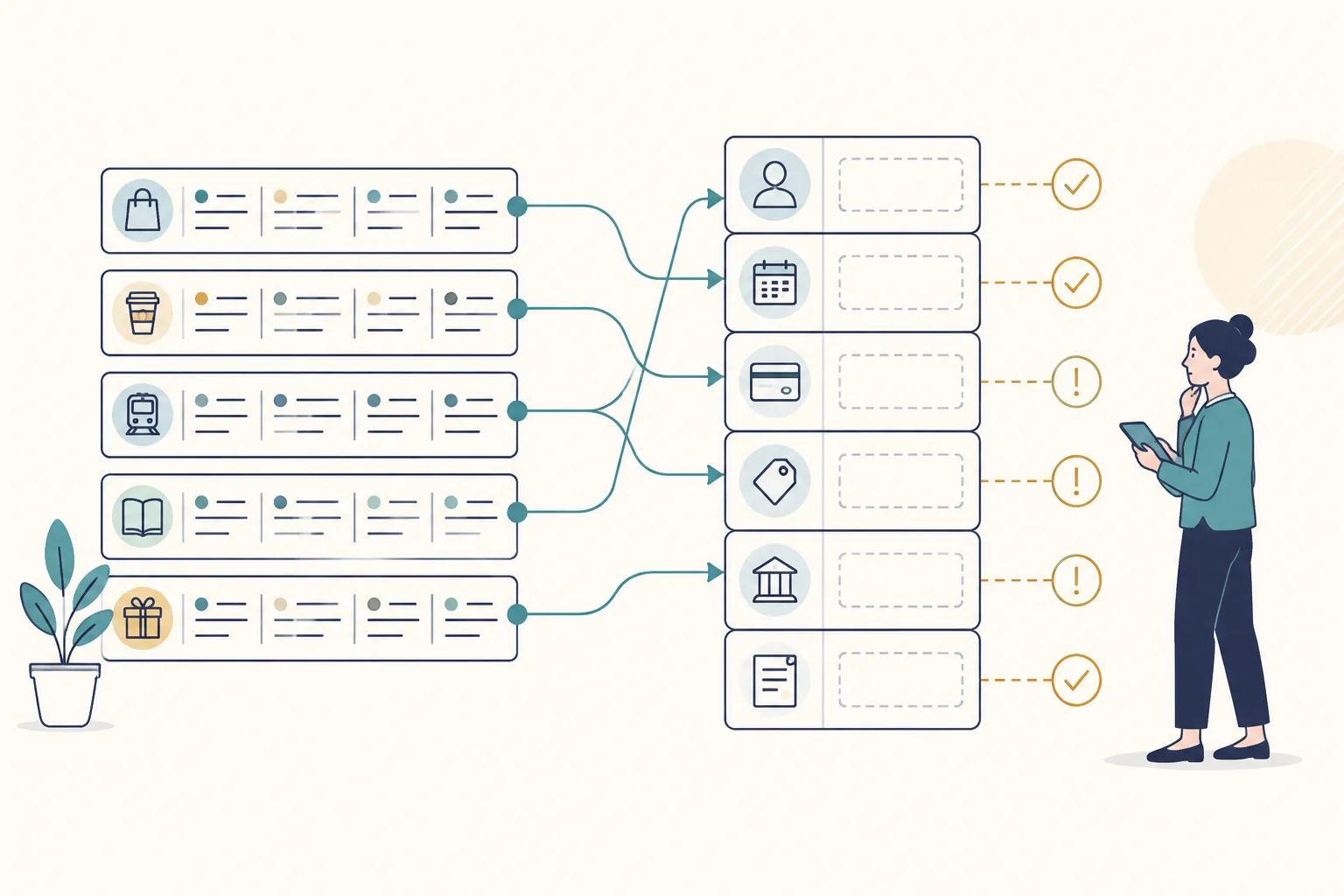
Because totals follow the assigned fields, a transaction classified as Groceries adds to that category's total, while an identical amount under Dining adds elsewhere. Consistent classification keeps similar spending together; a different choice moves the amount between report lines without touching the record itself.
- Choose the field a report should group by.
- Check that similar transactions share consistent values.
- Read each line as a grouped total, not a single payment.
- Review unusual lines against their underlying records.
Read a fictional statistics example
Suppose a fictional $120.00 purchase is split so that $72.00 is classified as Groceries, $30.00 as Household Supplies, and $18.00 as Personal Care. A category report then shows those amounts within three separate lines while the underlying record remains one $120.00 transaction. These sample figures illustrate reporting only and are not HomeBank product data.
Read trends, not verdicts
A report line answers a narrow question: how much recorded spending carries this classification. A line that looks unexpectedly large can mean a misassigned transaction, an unusual purchase, or a grouping that hides detail, so treat surprising totals as a prompt to review records rather than a conclusion about them.
Keep the desktop scope clear
This lesson covers the desktop personal-finance program HomeBank. HomeBank also names a separate app for Apple devices; its features are distinct and are not described here. For desktop product information, visit the official HomeBank website.