Import Structures
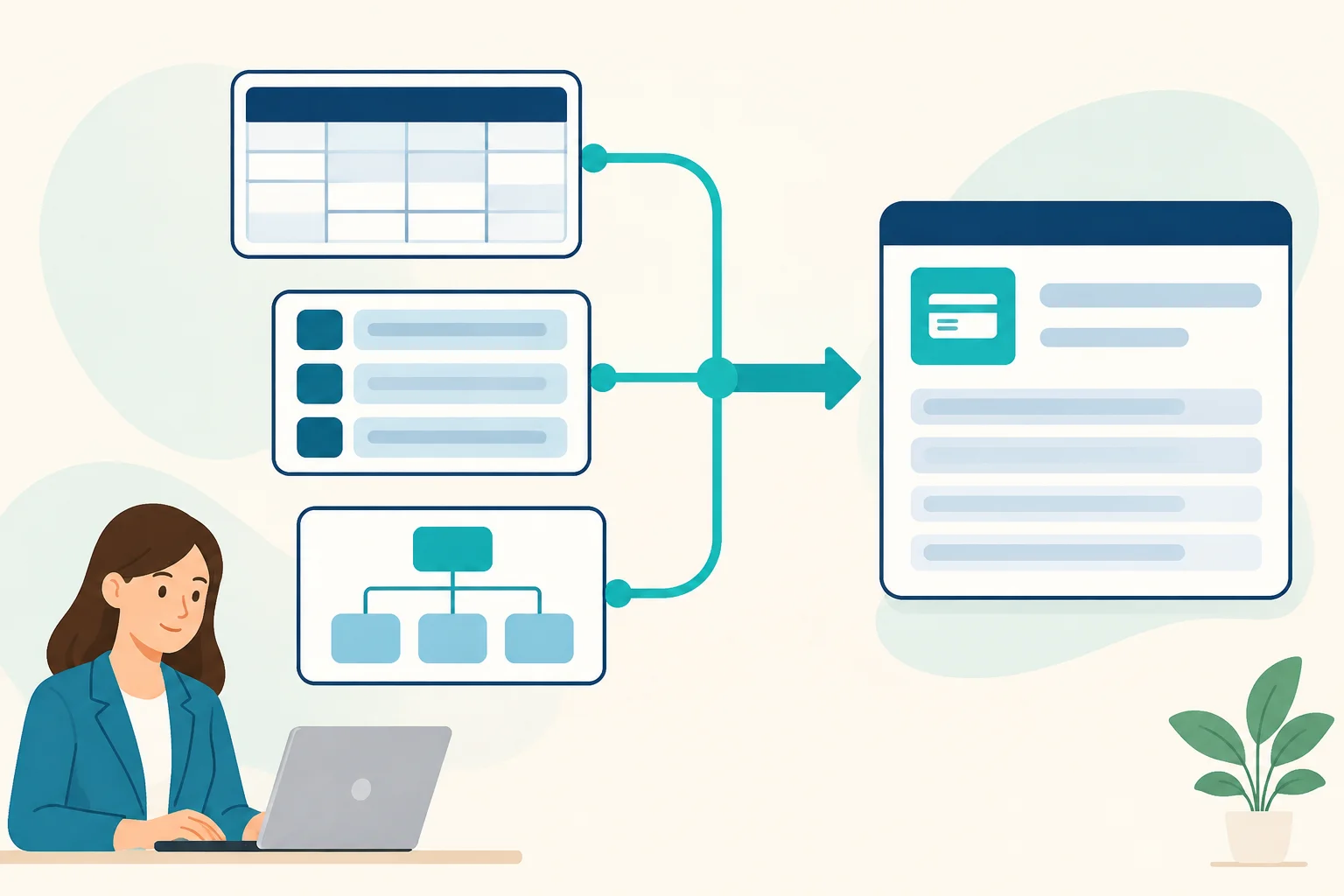
See how CSV columns, QIF records and OFX or QFX data carry transaction details, and what to review when mapping fields into a consistent classification.
Read the conceptLearn how categories, payees, tags and split allocations describe different parts of a transaction. A worked grocery example shows how to choose each field without losing the shape of the original purchase.
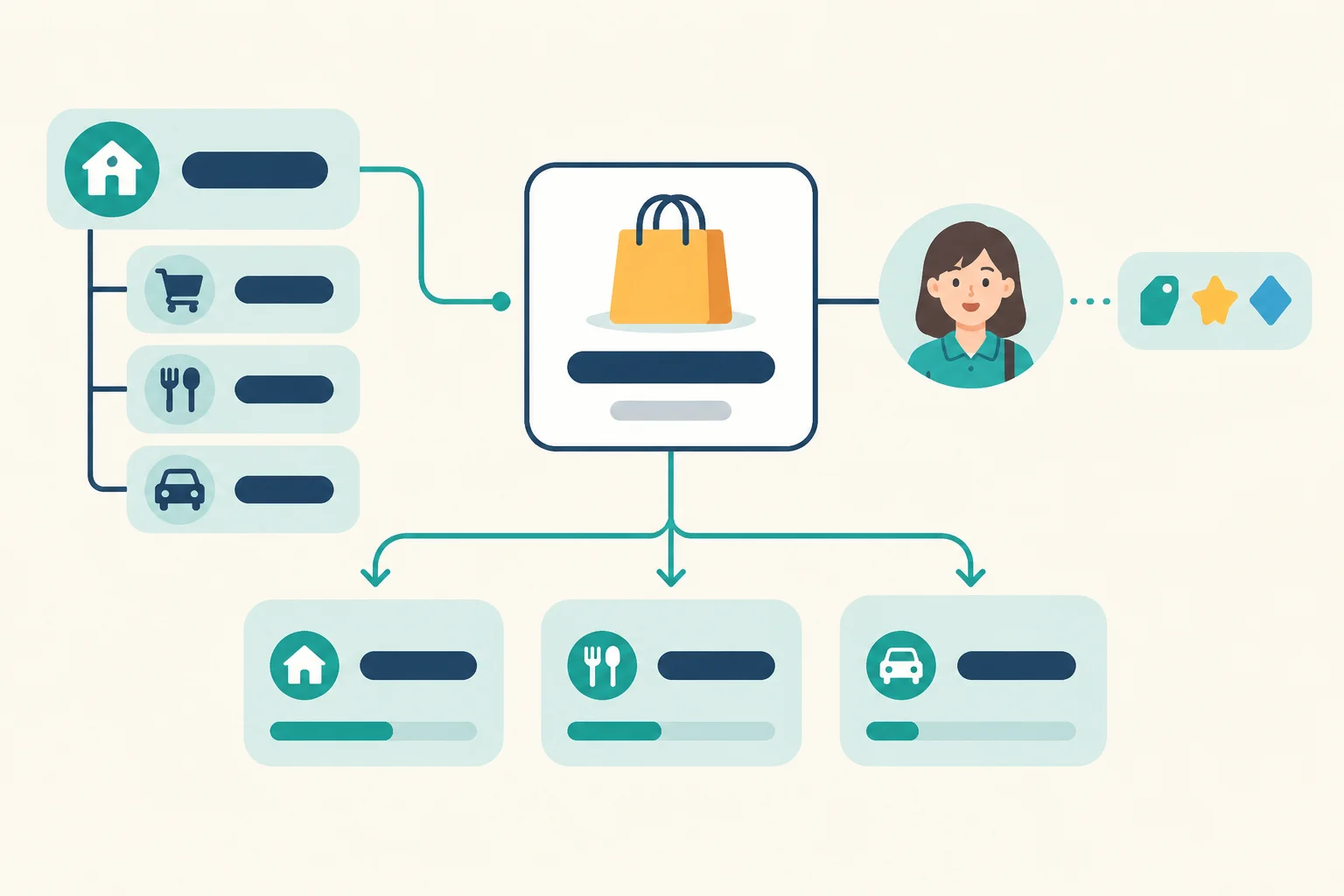
A transaction record becomes easier to read when its fields answer separate questions. The category tells you why money moved, the payee identifies who received or paid it, and tags add useful context that does not belong in either field.
For a grocery purchase, “Groceries” describes the spending purpose; “Market” names the counterparty. A tag such as “Weekly shopping” can describe the occasion without changing the category or payee.
Categories organize spending for reports and review. A parent category can group related child categories, so choose a hierarchy that answers the questions you actually ask about your money.
The payee records the counterparty, not the item bought. Use a stable name for the same business across records; otherwise, spelling variations can make searches and summaries harder to interpret.
In the fictional record “Market” is the payee, “Groceries” is the category, and “Pantry purchase” is a note describing the transaction. Do not use a different payee name merely because the basket contents changed.
Tags can mark details that cut across categories, such as “Weekly shopping,” a trip, or a project. They are useful when the same context appears in several categories, while categories remain focused on the purpose of the spending.
Choose a small, consistent vocabulary. A tag should make later filtering or review more informative; repeating the category name as a tag adds little.
A mixed basket can contain spending for several purposes. In this fictional $120.00 market transaction, split allocations preserve one original transaction while assigning each portion to a more accurate category.
Check that the allocations add back to $120.00. The three category amounts describe parts of one purchase; they are not three separate transactions.
See how CSV columns, QIF records and OFX or QFX data carry transaction details, and what to review when mapping fields into a consistent classification.
Read the concept
Learn to check transaction records for missing or inconsistent details, and distinguish a possible duplicate from a separate repeat purchase.
Read the concept
Explore the shared fictional records and inspect their categories, payees, tags, amounts and split details to see classification choices in context.
Read the conceptSee how desktop HomeBank uses categories, payee records, tags and splits in everyday transaction work. The guide connects these concepts to practical classification decisions.