
Classification Explorer
Inspect the shared fictional transaction records by category, payee and tag, and see how each field—including split details—helps put a record in context.
Read the conceptLearn how to check transaction records for missing fields, inconsistent details and possible duplicates. Use practical examples to tell a record that needs review from a separate purchase that only looks similar.

A useful transaction record gives enough detail to understand what happened later. Check its date, payee, category, amount, account, tag, memo and status; a blank field may be acceptable, but an unexplained gap can make reports or future reviews harder to interpret.
Start with the essentials: confirm that the date and amount are present, the account is identifiable and the payee points to the right counterparty. Then check whether the category describes the spending purpose. A memo or tag can add context, but it should not have to compensate for a missing category or unclear payee.
Each field answers a different question. Reviewing them as a set catches records that look complete at first glance but tell a confusing story.
Matching dates, payees and amounts are clues, not proof. Two imported copies can be candidates for review, while two genuine purchases may share the same merchant and price.
In the fictional records, R05 and R06 are both City Books entries dated 2026-04-11 for −$24.00 in the Everyday Account. They also share the reference DEMO-BOOK, and R06 is described as a second imported copy. Those matching details make them potential duplicates worth investigating; they do not establish by themselves that one should be deleted.
By contrast, R03 and R04 are separate Corner Cafe purchases, each for −$6.50 in Dining on 2026-04-10. Their memos say “Morning” and “Afternoon,” which supports two distinct visits. Similar amounts and payees alone would miss that context.
Follow the record from its source details to its status, then compare possible matches against the surrounding activity. Keep the original entry intact while you investigate.
When a field needs correction, make the smallest clear change and preserve useful context. A normalized payee name can make repeat merchants easier to recognize, while a precise memo can distinguish separate visits without changing the category.
HomeBank’s desktop program supports CSV, QIF, OFX and QFX imports and can detect potentially duplicated transactions. Treat a detection as a review prompt: compare the imported record with the source and the surrounding entries before taking action. For the field-by-field role of classification, see Classification Systems; Import Structures covers how imported records are organized.
Inspect the shared fictional transaction records by category, payee and tag, and see how each field—including split details—helps put a record in context.
Read the concept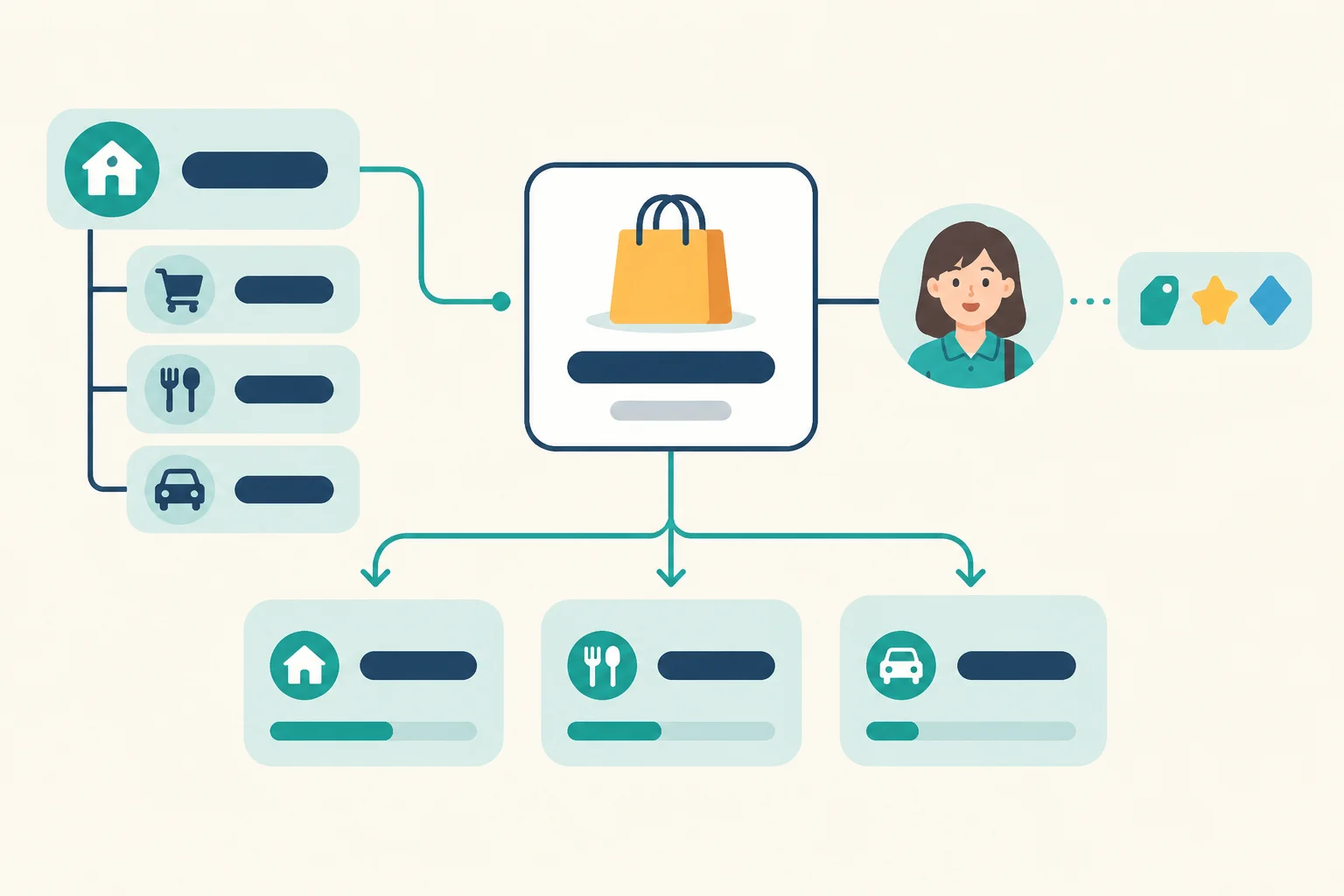
See how categories, payees, tags and split allocations describe different parts of a transaction, so a complete record stays clear and useful.
Read the concept
Compare CSV, QIF, OFX and QFX record structures, then learn what to check when mapping imported fields and reviewing possible duplicates.
Read the conceptApply these quality checks as you review categories, payees and imported transactions in desktop HomeBank. The guide explains how those choices shape a clear, useful transaction history.