Identity
- Date
- The date the operation took place.
- Payee
- The counterparty associated with the transaction.
- Account
- The account associated with the record.
Explore transaction fields, category relationships, import structures, and record classification through independent educational examples.

A transaction record brings together details that answer different questions: when an event happened, who was involved, what value was recorded, and how the activity is classified or reviewed.
In the source example, “Sample Market” is the payee. “Market” in the classified example is an illustrative payee label; it is not a claim that the source name was changed or matched automatically.
Explore the field reference2026-04-08 Sample Market -85.00One record can carry several independent classification fields. Its fields describe the transaction; a category hierarchy separately organizes categories into parent and child relationships.
Fields can coexist on one record while describing separate aspects of it. Grouping them by role makes the structure easier to scan without implying that one field replaces another.
Follow four related topics to understand how transaction fields, imported data and review decisions fit together. Each guide focuses on a different part of the record structure.
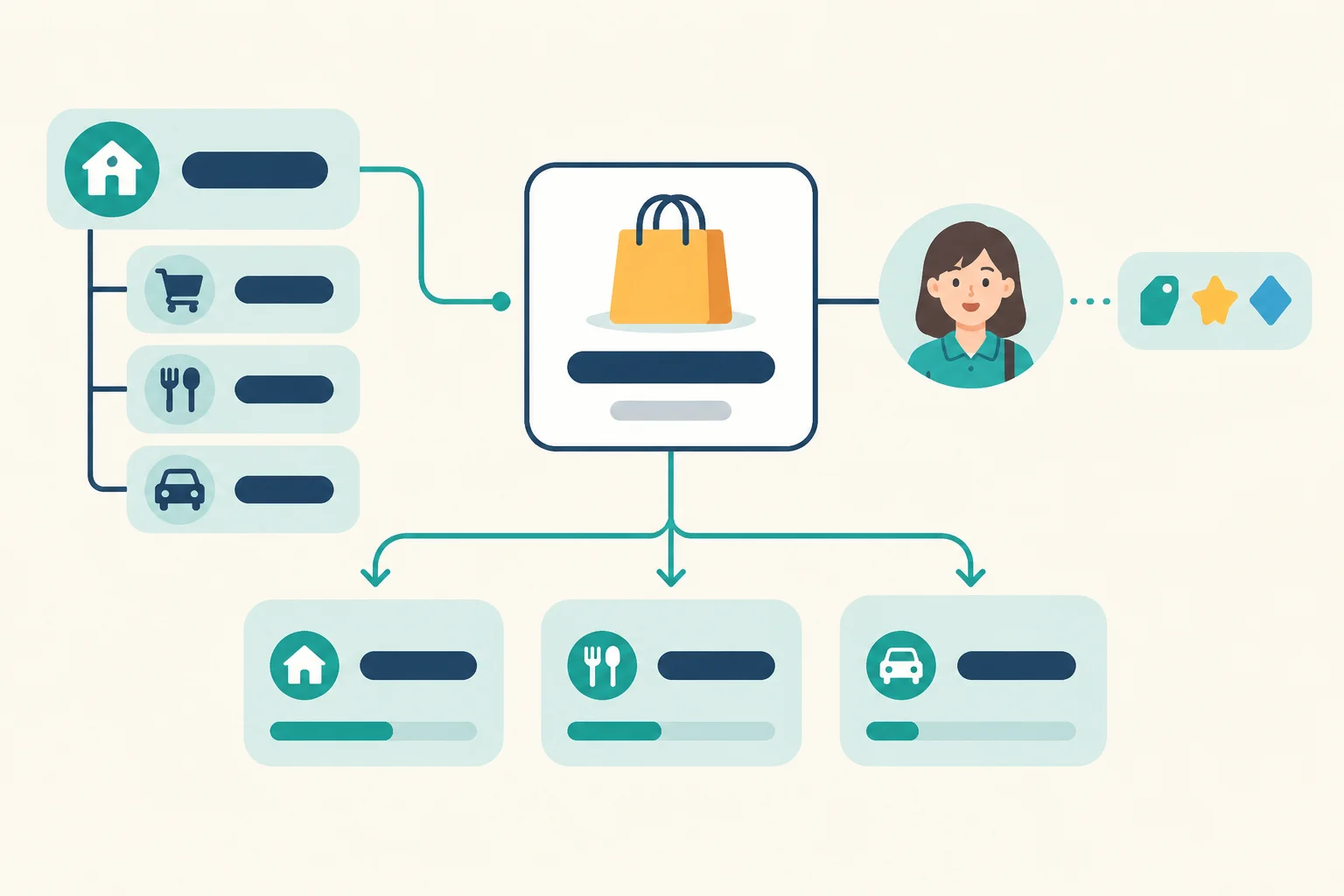 Classification
See how categories, payee identity, tags and split allocations describe separate dimensions of a transaction. A fictional grocery purchase shows how parent and child categories relate without turning one original transaction into several.
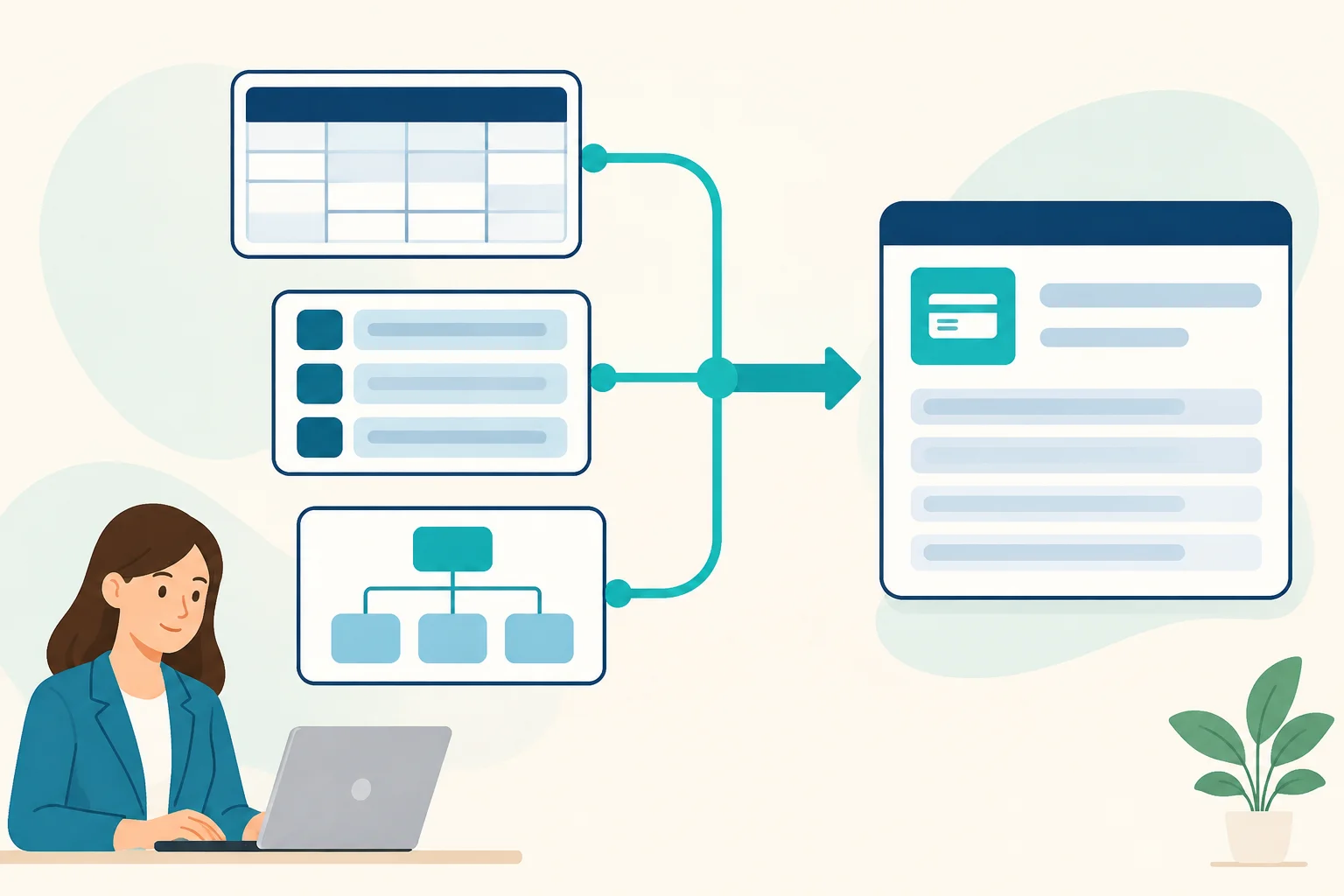 Import formats
Compare CSV columns with labeled QIF records and structured OFX and QFX data. Learn how field matching works and why a possible duplicate still needs review.
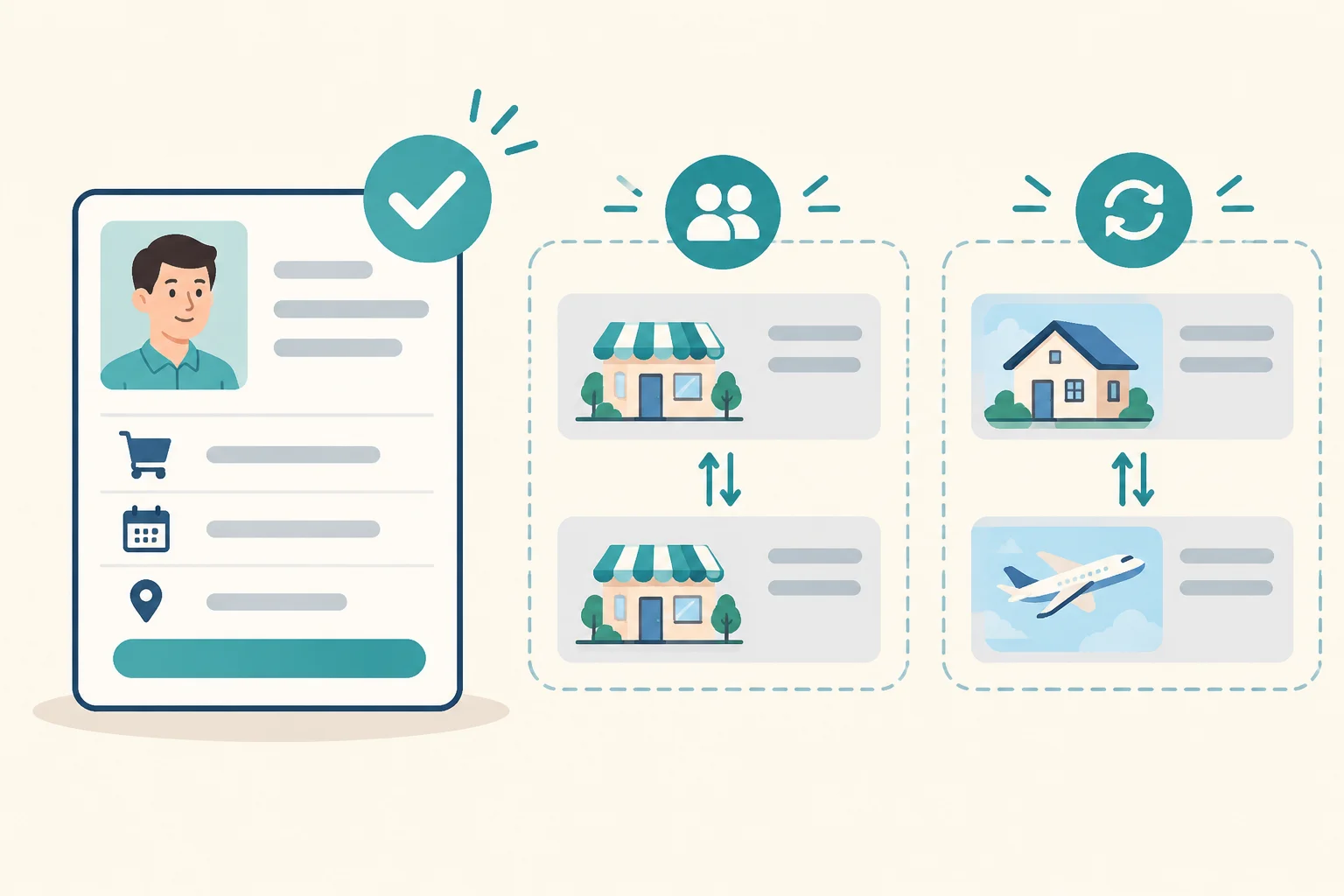 Record review
Check dates, payees, categories, amounts, accounts, tags, memos and status for completeness and consistency. Fictional examples distinguish possible duplicates from separate purchases that happen to share details.
 Interactive tool
Explore six fictional records with category, payee and tag filters, including a transaction split across three categories. Review the matches, result count and reset behavior without uploading files or connecting an account.
Use the category, payee and tag controls together to narrow six embedded examples. One split record matches each of its listed categories; no files are uploaded and no account is connected.
6 of 6 example records
Swipe sideways to see all columns
Swipe sideways to see all columns
Separate transaction: an afternoon visit appears as its own record.
Swipe sideways to see all columns
Separate transaction: matching amount and payee do not make two visits duplicates.
Swipe sideways to see all columns
Swipe sideways to see all columns
Swipe sideways to see all columns
R05 and R06 share details and are flagged here as possible duplicates for review. Similarity is a clue, not proof; confirm the underlying activity before drawing a conclusion.
Explore the independent HomeBank guide for more detail on desktop classification, or return to the embedded examples to compare fields and categories.