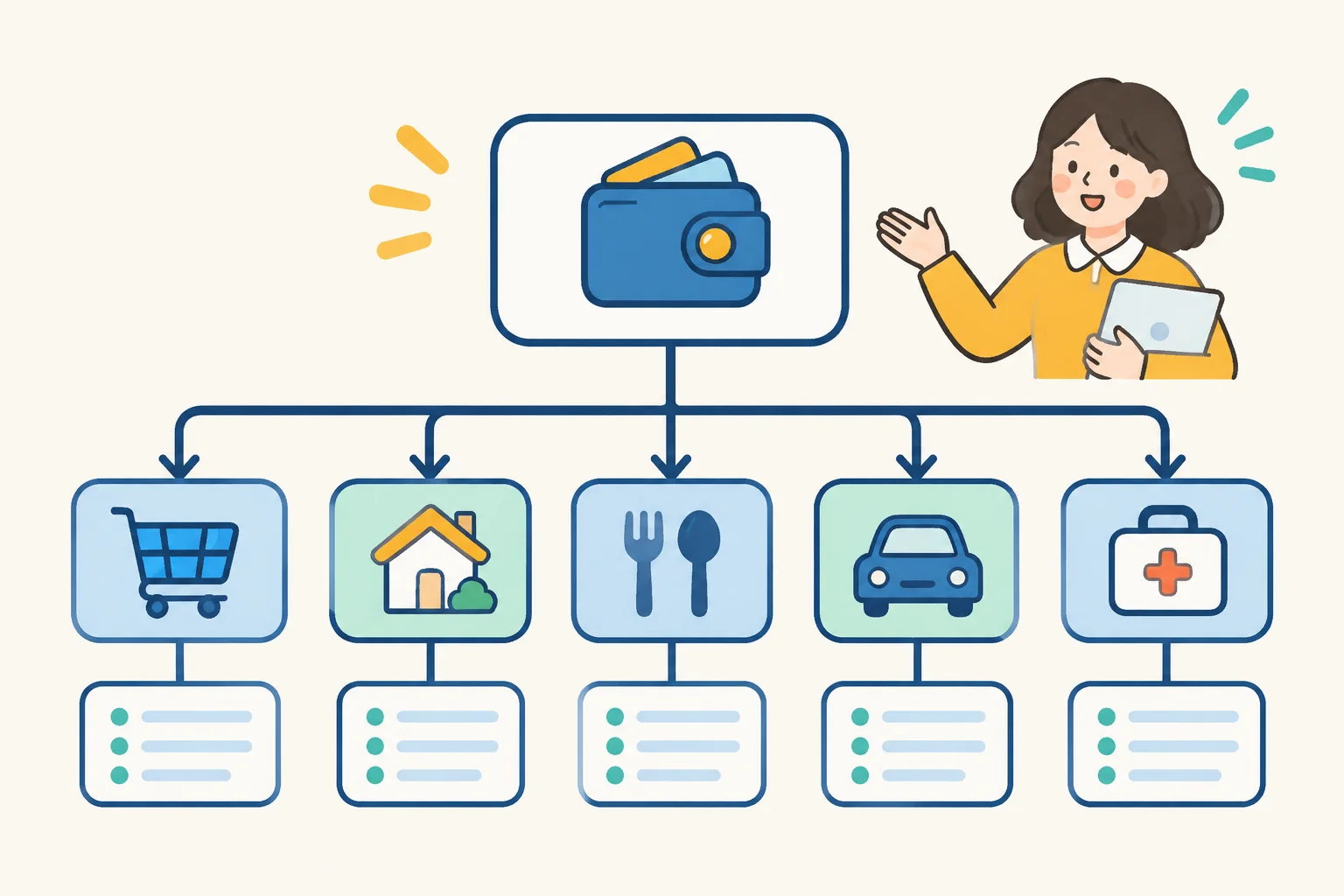
Guide lesson
CategoriesCategories and Subcategories
See how parent categories and subcategories organize fictional purchases into a hierarchy that can make category-based statistics easier to interpret.
Read this lessonAn independent guide to transaction fields, category relationships, import structures, and classification in the desktop HomeBank personal-finance program.

This guide covers transaction classification in the desktop personal-finance program HomeBank. Software information is attributed to gethomebank.org; the material here is independent educational content, not financial advice.
A separate app for Apple devices also uses the HomeBank name. Its features are distinct and are not described here as desktop features. All transaction records and amounts used in these lessons are fictional examples.
Use the illustrations to understand how records and classification fields relate. They are not bank statements and do not provide personal financial recommendations.
Five concise lessons move from category structure to classification review. Each article uses independent educational examples focused on desktop HomeBank.
Guide lesson
CategoriesSee how parent categories and subcategories organize fictional purchases into a hierarchy that can make category-based statistics easier to interpret.
Read this lesson
Guide lesson
Payees and tagsSeparate who received or provided money from supplementary tags that describe transaction context across categories.
Read this lesson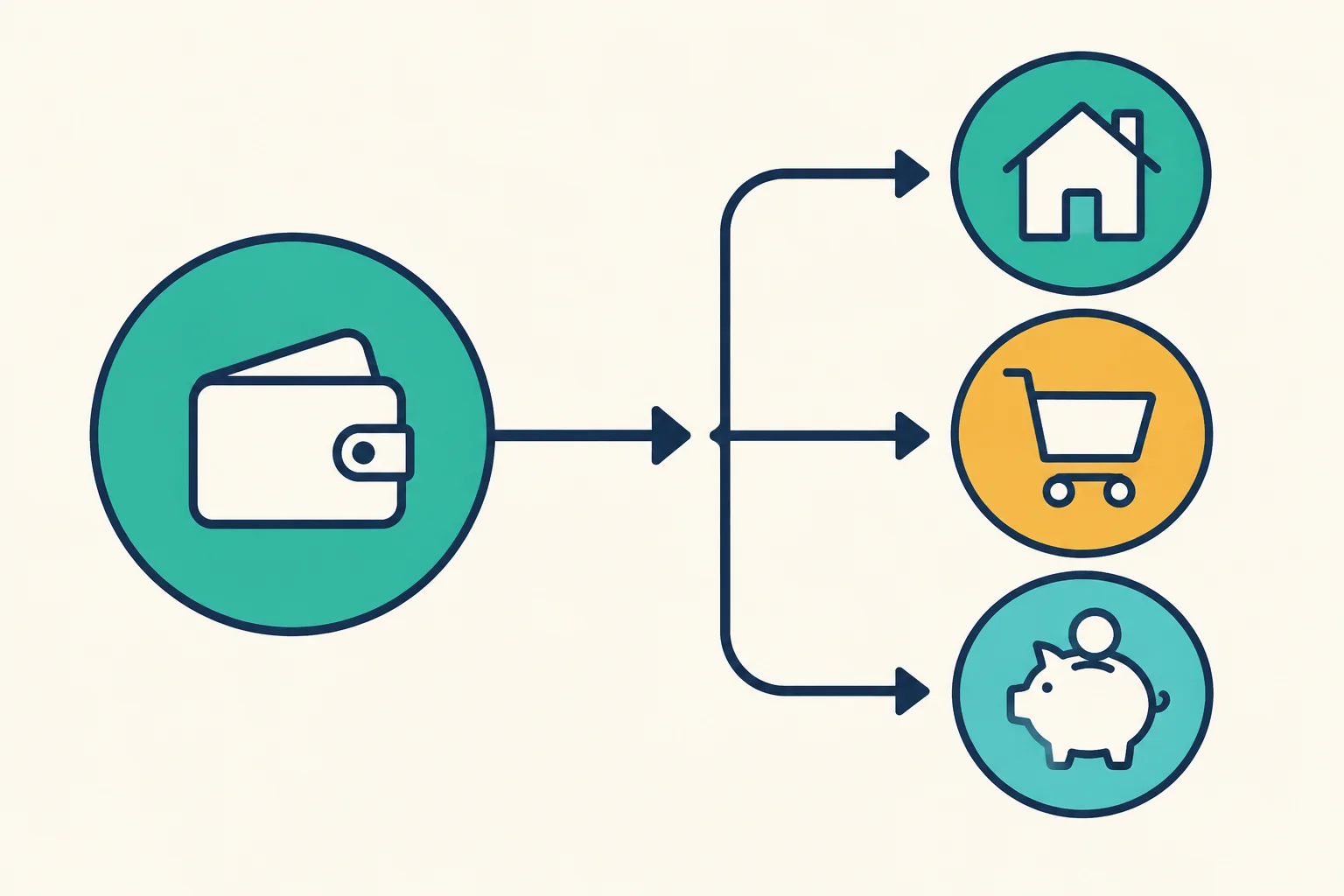
Guide lesson
Category splitsFollow one fictional $120.00 purchase allocated across Groceries, Household Supplies, and Personal Care while remaining one transaction.
Read this lesson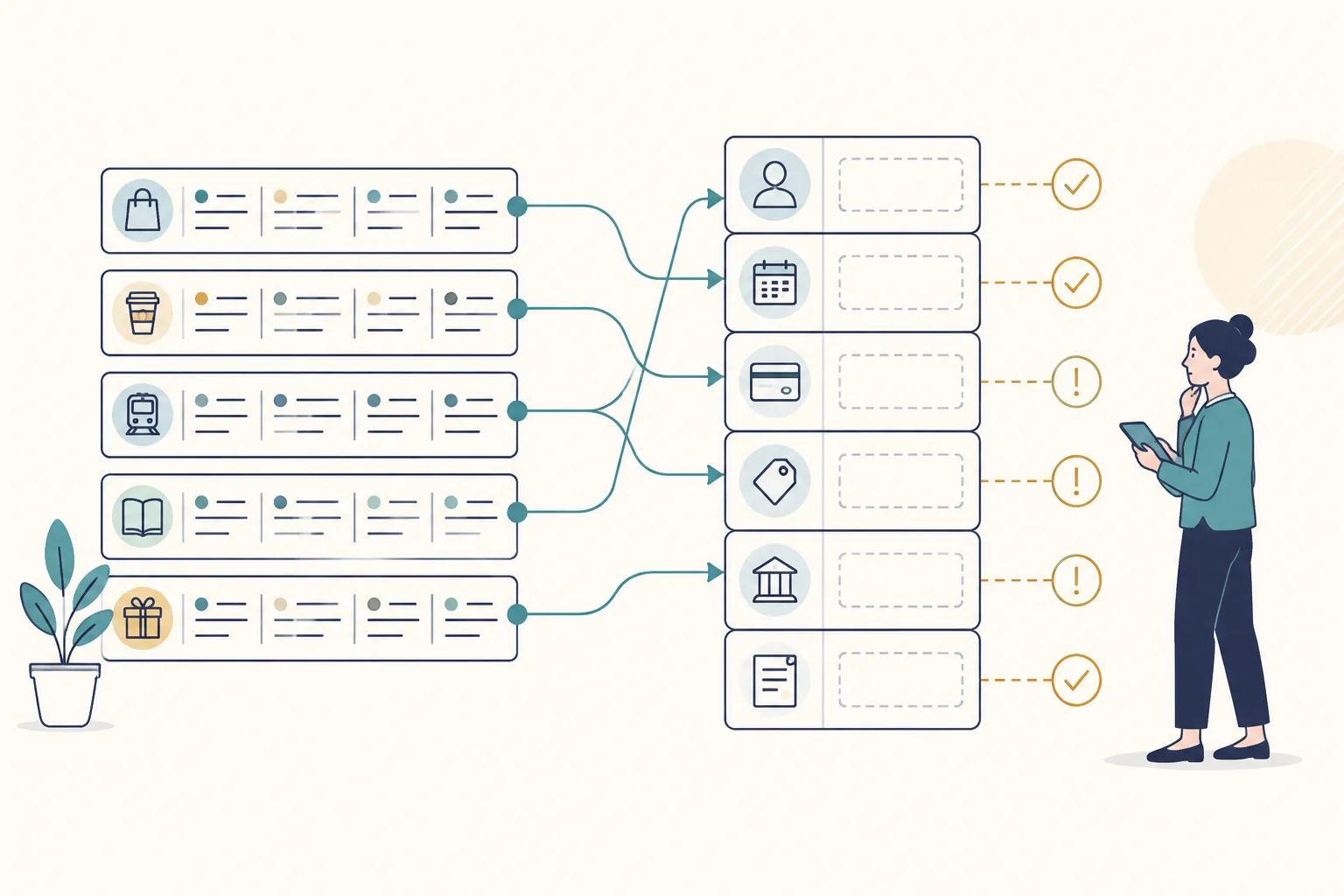
Guide lesson
Imports and reviewCompare CSV, QIF, OFX, and QFX field mapping, then review why a potential duplicate match is a clue rather than proof.
Read this lesson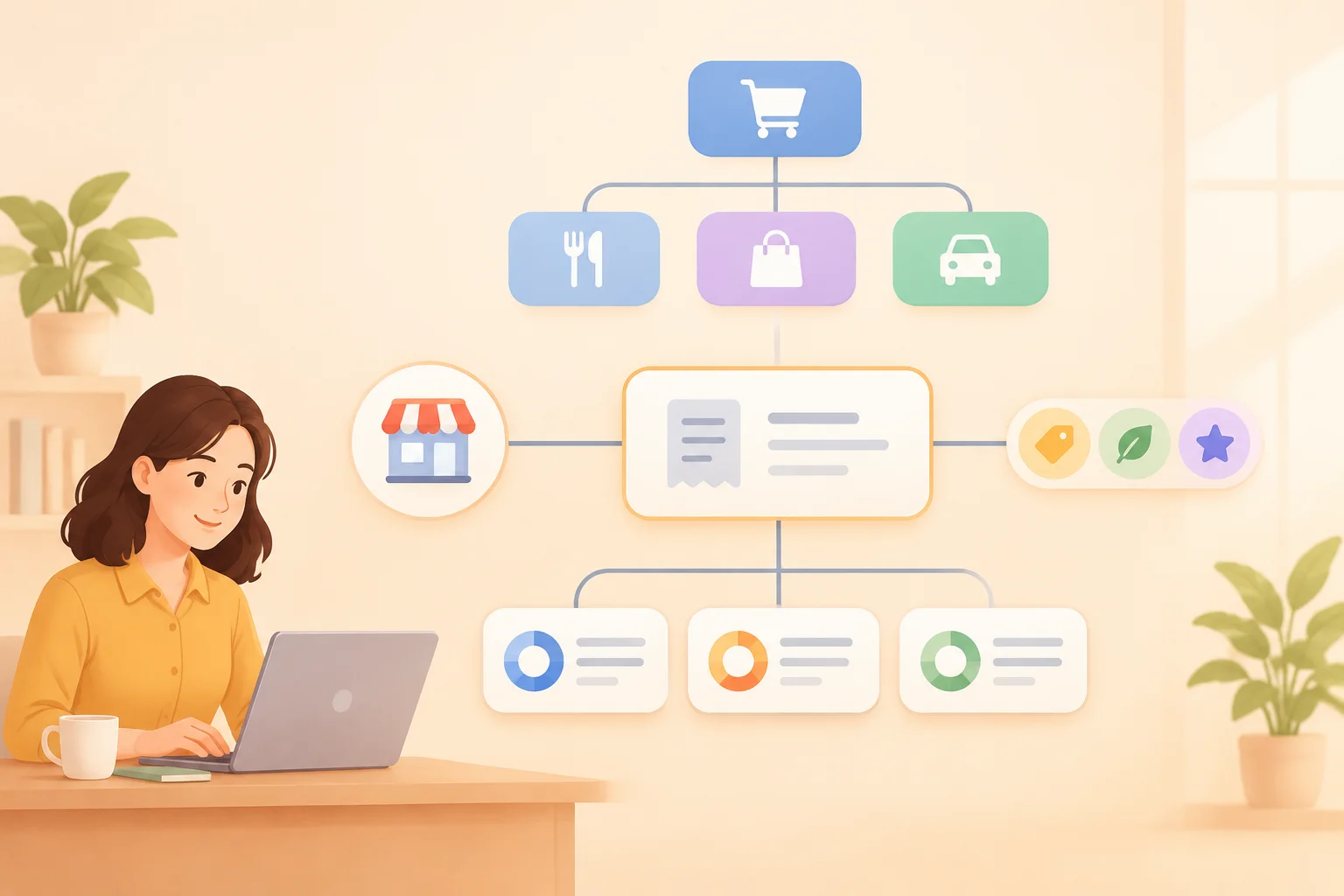
Guide lesson
Classification reviewExplore automatic assignment as a classification topic and consider why suggested classifications still benefit from review.
Read this lesson
Guide lesson
StatisticsSee how reports group transactions by assigned fields and why consistent classification keeps every line meaningful.
Read this lessonEach topic describes a different way to interpret desktop transaction records. Together, they clarify how fields, classification choices, and reporting relate.
See how parent and child categories create a hierarchy for classifying transactions and reading category-based reports.
Identify the person, business, or other counterparty associated with a transaction, separately from its category.
Understand how additional labels can describe context that cuts across category boundaries.
Follow how one transaction amount can be allocated to multiple categories while the source transaction remains one record.
Compare CSV, QIF, OFX, and QFX as supported import formats, and consider how fields may need to be matched to record details.
Examine automatic assignment as a classification topic, then review whether the resulting category suits the transaction.
Learn why matching details can flag potential duplicates for review without proving that two records represent the same purchase.
Connect consistent categories and other classification fields with clearer ways to interpret transaction statistics.
Explore a labeled transaction anatomy reference and a fictional-record explorer on the Transaction Anatomy page. The interactive examples use built-in sample records, not bank data or uploaded statements.
Explore transaction structuresCompare the parts of a transaction record, then test how classification details appear in illustrative examples.