Allocate one purchase accurately
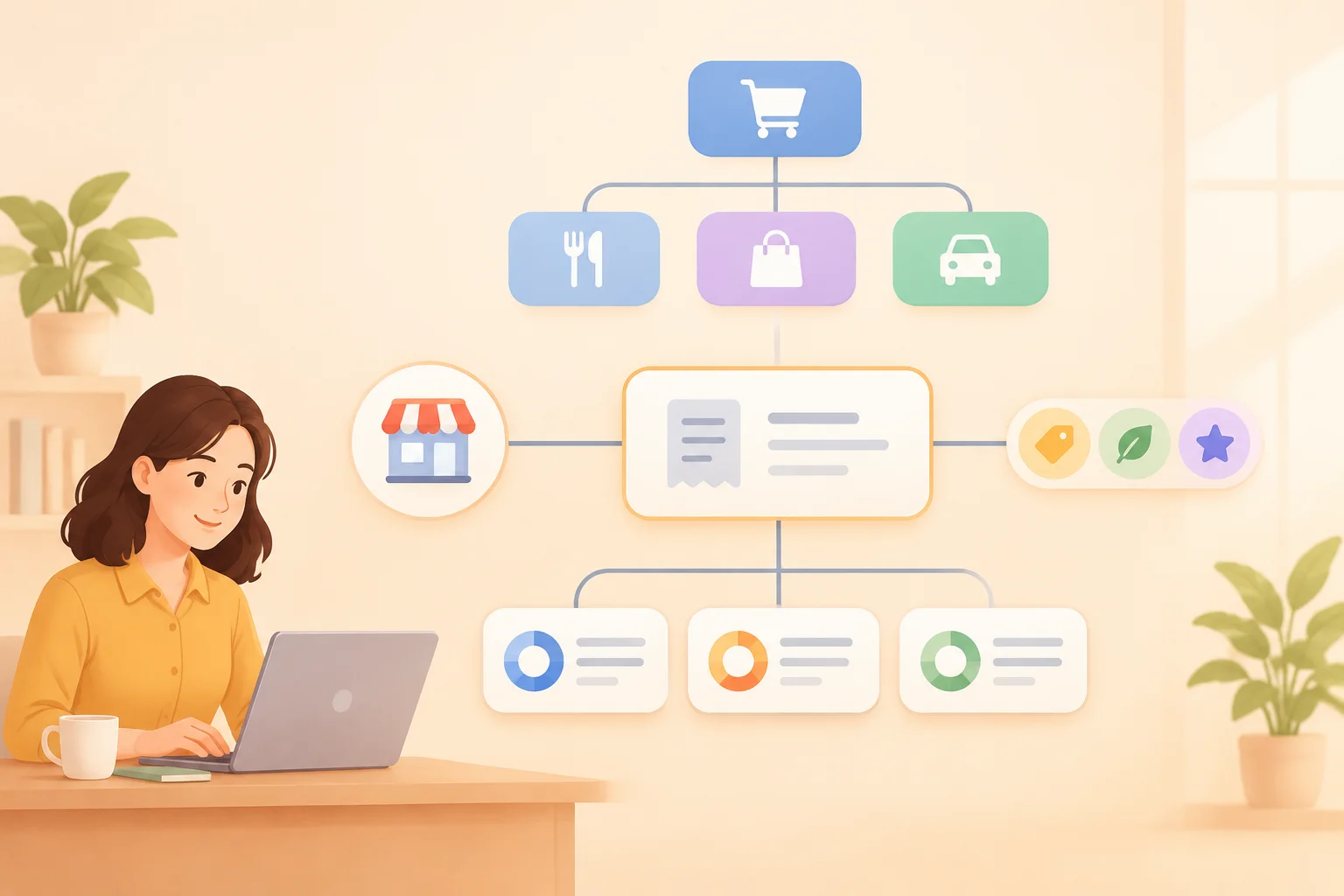
A category split assigns portions of one transaction to different categories. In desktop HomeBank, this lets a mixed purchase appear across relevant spending categories while preserving the original transaction as a single purchase.
What a split represents
Think of the transaction as the complete amount paid to one payee on one date. Its category allocations describe what that amount covered; they are not separate payments or extra records. This distinction matters when reviewing account activity, because the transaction remains the source record even when its spending is distributed for category reporting.
A $120.00 worked example
Consider a fictional household purchase recorded for $120.00. Its allocation is Groceries at $72.00, Household Supplies at $30.00, and Personal Care at $18.00. The arithmetic checks: $72.00 + $30.00 + $18.00 = $120.00. The split therefore accounts for the full transaction without turning the basket into three purchases.
- Groceries: $72.00, or 60% of the total.
- Household Supplies: $30.00, or 25% of the total.
- Personal Care: $18.00, or 15% of the total.
Enter and verify the allocation
Start with the transaction’s full amount and identify the parts that belong to distinct categories. Enter each category and its share, then compare the allocations with the original amount. Resolve any difference before relying on category totals; a partial allocation or an accidental extra amount can distort how spending is grouped.
After saving, review the transaction as one account entry and inspect the category figures in context. A split explains the composition of a mixed purchase, but it does not establish that the underlying receipt was categorized correctly. Use the receipt or other available details to decide how each portion should be classified.
Keep the example in context
The amounts above are fictional and demonstrate the allocation method, not a HomeBank price, recommendation, or household spending target. Category names and the number of portions depend on the purchase and the structure you choose to maintain. Avoid creating extra splits for details that do not improve your records.
This lesson concerns the desktop HomeBank personal-finance program. HomeBank also names a separate Apple-device app; its app features are not assumed here. Consult the official HomeBank source for desktop program information.