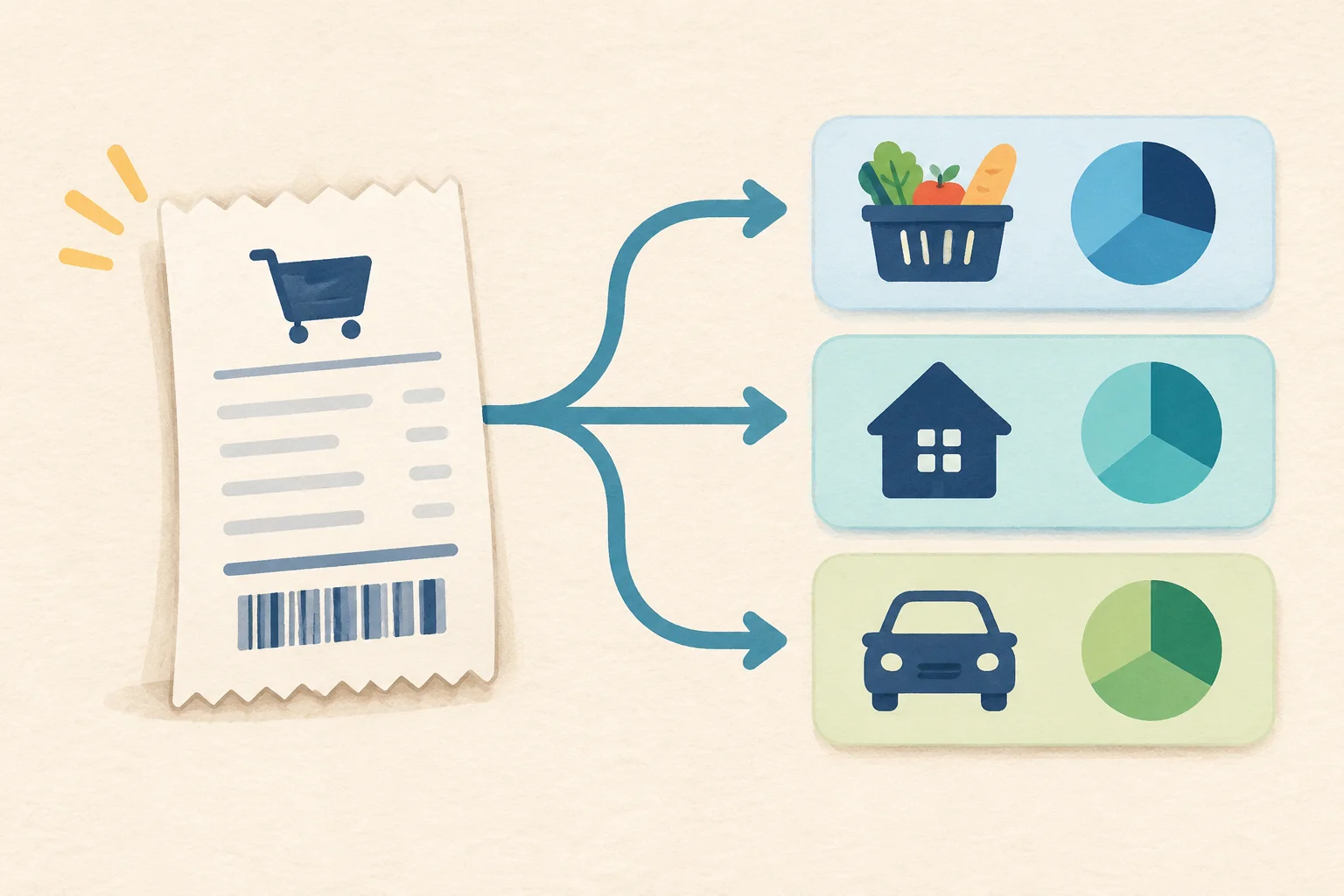
One $120 purchase, three allocations
Imagine a fictional household purchase recorded as a single $120 transaction. Its receipt covers groceries, household supplies, and personal care, so the amount is allocated across those categories instead of being assigned wholly to one. The original transaction remains the source record; the allocations describe how its total is classified.
| Category | Allocation |
|---|---|
| Groceries | $72.00 |
| Household Supplies | $30.00 |
| Personal Care | $18.00 |
| Total allocated | $120.00 |
Swipe sideways to see all columns
The arithmetic is straightforward: $72 plus $30 plus $18 equals the $120 source amount. In a record view, think of one transaction at the top with three category allocations beneath it. Those lines explain the spending mix; they are not three additional visits or charges.
What the split tells you
The allocation makes the category totals more useful. Groceries receives $72, household supplies $30, and personal care $18, while the overall account activity still reflects one $120 purchase. This distinction matters when reviewing transaction counts, account balances, or spending reports: the split changes the classification of the amount, not the number of source purchases.
In desktop HomeBank, a category split is useful when one payment covers items that belong in different parts of your budget. Keep the merchant, date, account, and original total associated with the source transaction, then assign each portion to its appropriate category. Clear descriptions can help you recognize the purchase later without turning its allocations into separate records.
Split mistakes that distort records
The first common mistake is treating every allocation as a separate source transaction. That inflates the purchase count and can make the activity appear to include several charges. Another is entering split amounts that exceed or fall short of the original total; either mismatch leaves the classification inconsistent with the payment.
- Check the total: Add the allocations and compare the result with $120.
- Keep one source purchase: Do not create extra transaction records for the three categories.
- Use categories for meaning: Put each amount where its purchased items belong, rather than duplicating the full charge.
- Review the receipt: Confirm the item groups and amounts before saving the split.
When a statement or receipt has several distinct charges, those may be separate transactions. Here, however, the example describes one combined payment divided by category. The purchase context—not the number of allocations—determines how many source transactions occurred.
One source, a checked total
Record the fictional purchase once, allocate $72 to Groceries, $30 to Household Supplies, and $18 to Personal Care, then confirm that the split totals $120. Your categories become more informative while the original transaction count stays accurate.